Blade Symphony System Requirements (2014) | Minimum & Recommended PC Specs
Quick Hardware Summary
Blade Symphony requires at least a capable CPU, a dedicated GPU, and 8 GB RAM. For recommended settings, aim for powerful CPU and high-end GPU.
Can I Run Blade Symphony?
Enter your PC specs to instantly check compatibility
About Blade Symphony
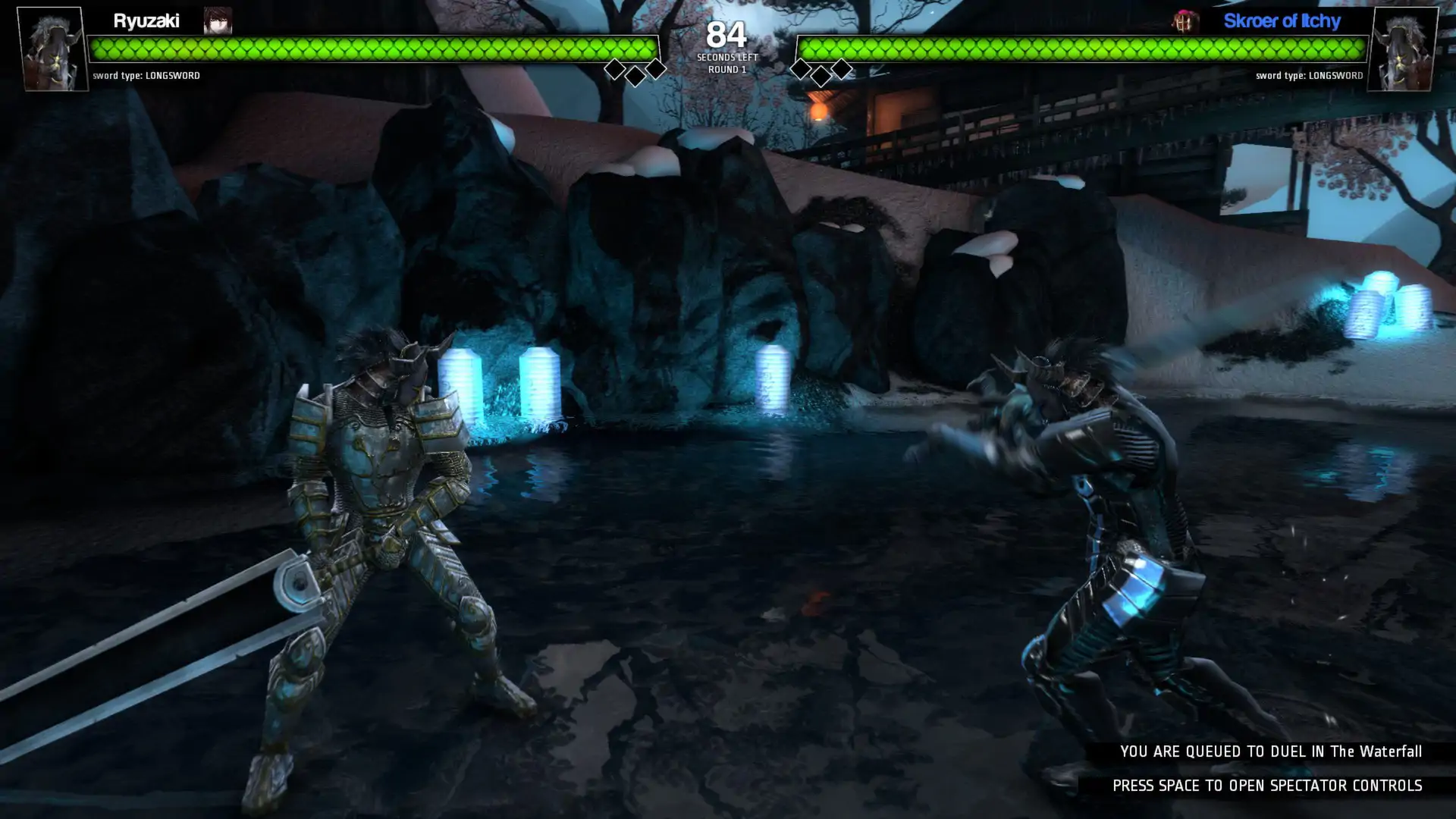
Prove you are the world's greatest swordsman in Blade Symphony: a slash-em-up featuring a highly detailed and in-depth sword fighting system. Face down other players in tactical swordplay, 2 versus 2 team duels, sandbox FFA, or the Control Points game mode!Choose your fighting styleEach of the four characters have a unique fighting style suited to how you want to play.
Phalanx, a fencer gladiator hybrid, attacks with long range stabs and a versatile array of side attacks
Judgement, a knight crossed with a samurai, uses hard hitting forward attacks and wide strafing attacks
Ryoku, a vagrant street ninja, attacks with break dance moves and a signature reverse blade style
Pure, an acrobatic wushu style assassin that attacks with flips, cartwheels, extremely mobile
Vanguard, a quick-footed champion that uses leaning plunges to push opponents into her blade
Each character has four combat stances and over forty different attacks.Choose Your SwordPair your character up with a sword type to completely change your way of approaching combat.
Katana, cause massive damage when parrying your opponents
Longsword, a well-balanced, hard hitting and adaptable sword
Rapier, a piercing, high damage forward thrusting weapon great for parrying
Scimitar, a weapon based on turning and performing as many cuts as possible
Jian, an agile, responsive weapon great for combosTactical Sword Fighting
There are no unlockable advantages in Blade Symphony. All unlockables are cosmetic. You care about proving your skill and so should your game.
Every attack has openings that are determined in real-time and efficacy is entirely up to you. Did you start an attack too early? Turn away and end the attack in a safe location. Did your opponent stupidly use a lighter stance? Go in and punish him! By switching stances mid-combo you can chain attacks into your own flurry of death.
The fighting system is open for your exploration, you can dash, jump, do an air attack, land, swing sideways with a heavy stance, parry with a light stance, and then roll away.
Every attack flows from your blade in true three dimensional space. As does your opponents! Swords collide in mid-air and you will need good timing and aim to defeat your opponent.Advanced Character CustomizationCustomize your character with skins, masks, swords, and multiple attachments streamed directly from Steam Workshop.
Fight as a TeamPlay in the new Control Points game mode and participate in team-based sword fighting.
Blade Symphony System Requirements
Minimum
- OS:
- -
- CPU:
- Not specified
- GPU:
- Not specified
- RAM:
- Not specified
- File Size:
- -
Recommended
- OS:
- -
- CPU:
- Not specified
- GPU:
- Not specified
- RAM:
- Not specified
Can I run Blade Symphony on my PC?
To run Blade Symphony on PC you need at minimum a Not specified processor, a Not specified graphics card, and Not specified of RAM running on Windows 10. For the best experience at recommended settings, upgrade to a Not specified CPU and Not specified GPU.
What GPU do I need to run Blade Symphony?
The minimum GPU required to run Blade Symphony is the Not specified. For smooth gameplay at high graphics settings, a Not specified is recommended.
How much RAM does Blade Symphony require?
Blade Symphony requires a minimum of Not specified RAM. For the recommended experience, Not specified of RAM is suggested.
How to check if your PC can run Blade Symphony
- Check your CPU: Compare your processor against the minimum requirement: Not specified.
- Check your GPU: Your graphics card should meet or exceed: Not specified.
- Check your RAM: You need at least Not specified of RAM installed.
- Check storage: Ensure you have at least Not specified of free disk space.
- Use our tool above: Select your RAM in the "Can I Run It?" box to get an instant result.