Dwarfs - F2P System Requirements (2012) | Minimum & Recommended PC Specs
Quick Hardware Summary
Dwarfs - F2P requires at least a capable CPU, a dedicated GPU, and 8 GB RAM. For recommended settings, aim for powerful CPU and high-end GPU.
Can I Run Dwarfs - F2P?
Enter your PC specs to instantly check compatibility
N/A
N/A
About Dwarfs - F2P
This is the Free-2-Play version of Dwarfs!? You can download the game and play the core game in Arcade mode, plus all the Tutorials and the Challenge modes completely free, forever. No charges, no subscriptions - just free. If you like those modes and want more, you can either pick the modes that you feel like playing and buy those individually - or just buy the whole pack to unlock everything.
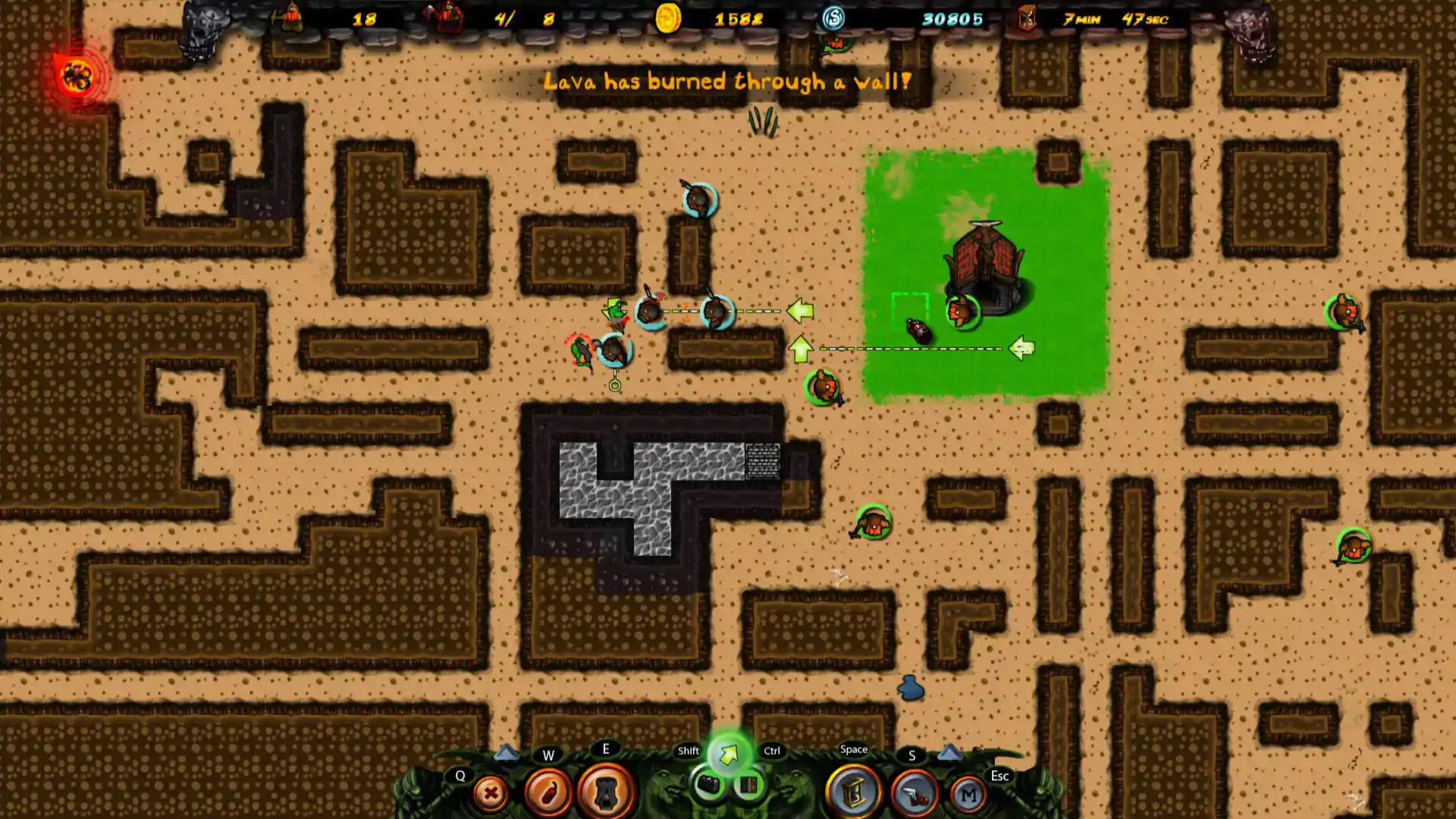
Dwarfs!? offers an addictive, fast paced arcade-like experience, with plenty of difficulty levels and game modes to play, in the tradition of great games such as “Lemmings” and “Dwarf Fortress”. As the new overseer for your underground Dwarf base, your job is to manage the small colony and make it as rich as possible, before they meet their inevitable doom! To survive as long as possible, you’ll have to steer and guide your greedy little fellows to the richest points in the caves, while avoiding all the dangers – so they don’t end up destroying your Town Hall and its essential supply of beer. They explore for you, they mine for you and they fight for you - but if you don't keep an eye on them, they'll do what they do best: die for you and take everyone else with them. But, if all else fails when the Spider Queen comes for you – use the Outpost’s Dwarf Cannon and shoot Dwarfs at her!
There are only 3 certainties in this world: death, taxes and that Dwarfs always dig too deep!Key features:
Dwarfs!? offers an addictive, fast paced arcade-like experience, with plenty of difficulty levels and game modes to play, in the tradition of great games such as “Lemmings” and “Dwarf Fortress”. As the new overseer for your underground Dwarf base, your job is to manage the small colony and make it as rich as possible, before they meet their inevitable doom! To survive as long as possible, you’ll have to steer and guide your greedy little fellows to the richest points in the caves, while avoiding all the dangers – so they don’t end up destroying your Town Hall and its essential supply of beer. They explore for you, they mine for you and they fight for you - but if you don't keep an eye on them, they'll do what they do best: die for you and take everyone else with them. But, if all else fails when the Spider Queen comes for you – use the Outpost’s Dwarf Cannon and shoot Dwarfs at her!
There are only 3 certainties in this world: death, taxes and that Dwarfs always dig too deep!Key features:
- Fun for all ages and skill levels of gamers, with randomly-generated caves so the game is different every time.
- Madly Addictive Arcade Mode: 4 difficulty levels ranging from casual to crazy hard-core, time limits from 5 minutes to endless, randomly-generated caves and all the gold and monsters you can handle!
- Base Defense Mode: Tower Defense gameplay, except you don’t have a tower. And your Dwarfs dig the routes. Then you defend against waves of monsters!
- Rush Mode: Can you handle Dwarfs spawning at insane rates and digging everywhere?
- Dark Mode: This time, the only light is in the tunnels your Dwarfs dig. Spooky!
- Campaign Challenges: Tutorials where you can learn all about being a Dwarf Overseer in a few minutes and Challenges where you can put those Overseer abilities to the ultimate test.
- Leaderboards: Compare the size of your beard (and your scores) with your friends and the rest of the world.
- Sandbox Mode: Create your own caves!
- Codex: Alongside the integrated help system is the Codex – the fount of all Dwarf knowledge! Contains everything you need to know, including video tutorials for the budding Overseer.
- Medals and Achievements: Lots and lots of shiny stuff to collect and show off to your friends!
- Fully Integrated with Steamworks™
- And Zombies. Not to mention goblins, skeletons, spiders, dark elves and more.
Score N/A
Released 10/18/2012
Developer
Publisher
Dwarfs - F2P System Requirements
Minimum
- OS:
- -
- CPU:
- Not specified
- GPU:
- Not specified
- RAM:
- Not specified
- File Size:
- -
Recommended
- OS:
- -
- CPU:
- Not specified
- GPU:
- Not specified
- RAM:
- Not specified
Can I run Dwarfs - F2P on my PC?
To run Dwarfs - F2P on PC you need at minimum a Not specified processor, a Not specified graphics card, and Not specified of RAM running on Windows 10. For the best experience at recommended settings, upgrade to a Not specified CPU and Not specified GPU.
What GPU do I need to run Dwarfs - F2P?
The minimum GPU required to run Dwarfs - F2P is the Not specified. For smooth gameplay at high graphics settings, a Not specified is recommended.
How much RAM does Dwarfs - F2P require?
Dwarfs - F2P requires a minimum of Not specified RAM. For the recommended experience, Not specified of RAM is suggested.
How to check if your PC can run Dwarfs - F2P
- Check your CPU: Compare your processor against the minimum requirement: Not specified.
- Check your GPU: Your graphics card should meet or exceed: Not specified.
- Check your RAM: You need at least Not specified of RAM installed.
- Check storage: Ensure you have at least Not specified of free disk space.
- Use our tool above: Select your RAM in the "Can I Run It?" box to get an instant result.