HELLCARD: Prologue System Requirements (2023) | Minimum & Recommended PC Specs
Quick Hardware Summary
HELLCARD: Prologue requires at least a 1.7 GHz Dual Core CPU, a dedicated GPU, and 2 GB RAM. For recommended settings, aim for powerful CPU and high-end GPU.
Can I Run HELLCARD: Prologue?
Enter your PC specs to instantly check compatibility
2 GB
N/A
About HELLCARD: Prologue
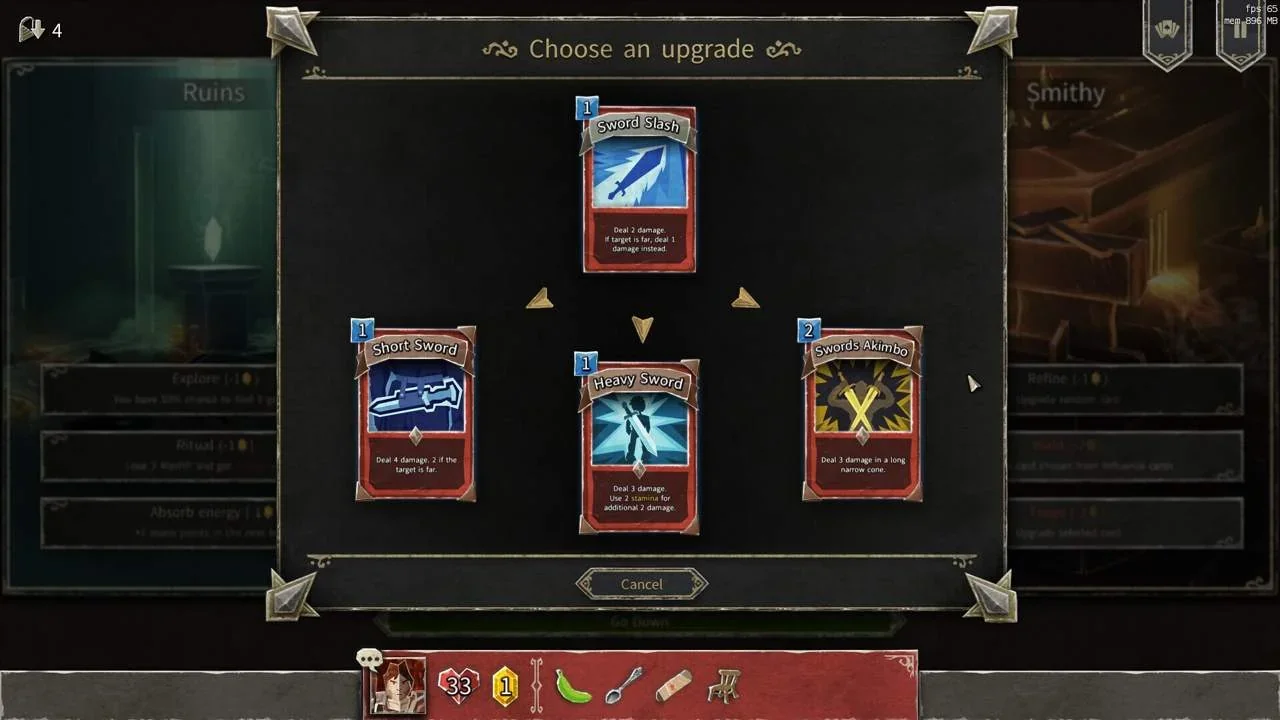
Hellcard: Prologue is a cooperative roguelike deckbuilder that can be played in both Singleplayer and Multiplayer modes. The prologue lets you try the portion of the main game with only a limited number of cards, artifacts, and monsters.
What makes HELLCARD unique and different from most card games is that monster placement actually matters and can be used to your advantage.
HELLCARD supports co-op battles with up to three heroes facing Archdemon’s hordes. In singleplayer mode you can descend into the dungeons solo or recruit computer-controlled companions. In multiplayer mode your friends or strangers can help you battle the hordes of hell.
What makes HELLCARD unique and different from most card games is that monster placement actually matters and can be used to your advantage.
HELLCARD supports co-op battles with up to three heroes facing Archdemon’s hordes. In singleplayer mode you can descend into the dungeons solo or recruit computer-controlled companions. In multiplayer mode your friends or strangers can help you battle the hordes of hell.
Score N/A
Released 1/30/2023
Developer
Publisher
Platforms
HELLCARD: Prologue System Requirements
Minimum
- OS:
- Windows 7
- CPU:
- 1.7 GHz Dual Core
- GPU:
- Not specified
- RAM:
- 2 GB
- File Size:
- 1 GB
Recommended
- OS:
- -
- CPU:
- Not specified
- GPU:
- Not specified
- RAM:
- Not specified
Can I run HELLCARD: Prologue on my PC?
To run HELLCARD: Prologue on PC you need at minimum a 1.7 GHz Dual Core processor, a Not specified graphics card, and 2 GB of RAM running on Windows 7. For the best experience at recommended settings, upgrade to a Not specified CPU and Not specified GPU.
What GPU do I need to run HELLCARD: Prologue?
The minimum GPU required to run HELLCARD: Prologue is the Not specified. For smooth gameplay at high graphics settings, a Not specified is recommended.
How much RAM does HELLCARD: Prologue require?
HELLCARD: Prologue requires a minimum of 2 GB RAM. For the recommended experience, Not specified of RAM is suggested.
How to check if your PC can run HELLCARD: Prologue
- Check your CPU: Compare your processor against the minimum requirement: 1.7 GHz Dual Core.
- Check your GPU: Your graphics card should meet or exceed: Not specified.
- Check your RAM: You need at least 2 GB of RAM installed.
- Check storage: Ensure you have at least 1 GB of free disk space.
- Use our tool above: Select your RAM in the "Can I Run It?" box to get an instant result.