Hourglass: Prologue System Requirements (2021) | Minimum & Recommended PC Specs
Quick Hardware Summary
Hourglass: Prologue requires at least a Intel CPU, a NVIDIA Card with 1 GB VRAM GPU, and 4 RAM. For recommended settings, aim for Intel CPU and NVIDIA Card with 1 GB VRAM GPU.
Can I Run Hourglass: Prologue?
Enter your PC specs to instantly check compatibility
About Hourglass: Prologue
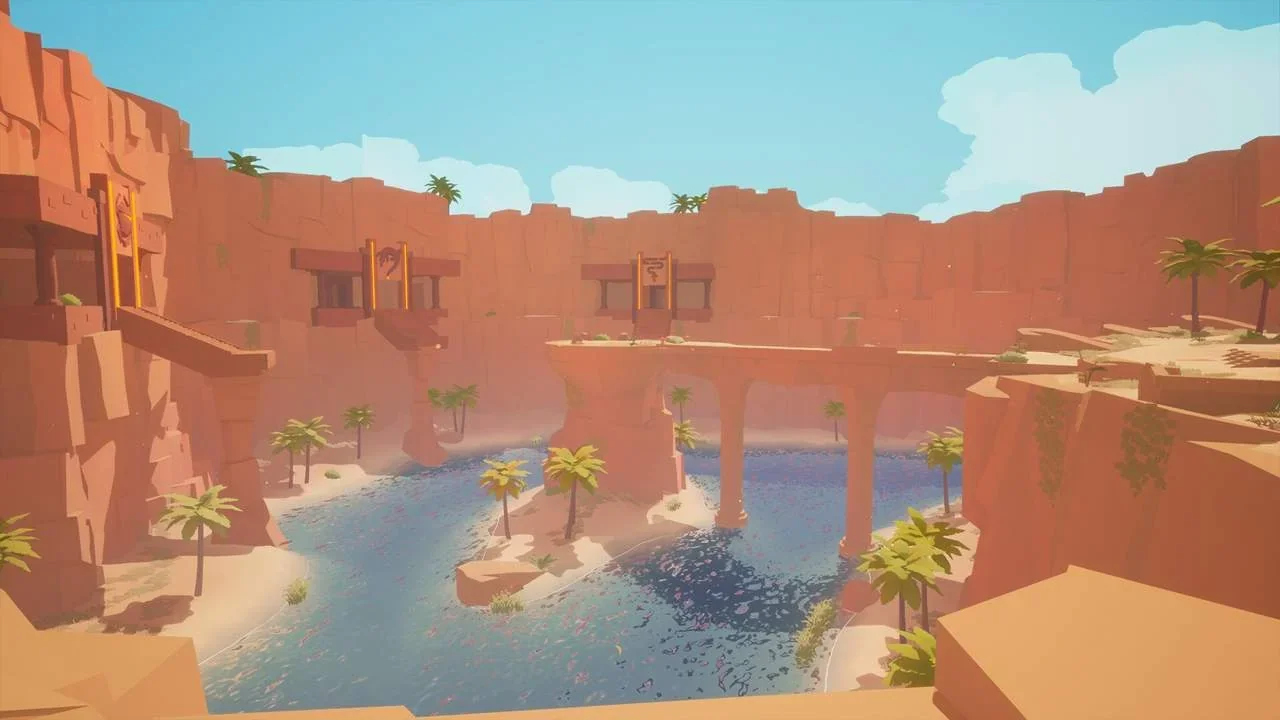
Besides offering an ancient world to explore, Hourglass is mostly about solving various puzzles with a unique core-mechanic. Your ability allows you to record your actings for a certain amount of time. After that, time winds back to the beginning of the recording and a time-clone of yourself appears, repeating the actions.
On your adventure, you will have to use this ability in creative ways to get through various areas filled with difficult puzzles.
Your journey leads you to a remote temple where you encounter undiscovered egyptian technologies and portals to a foreign world. Only by unraveling the secrets of these long lost technologies, you are able to solve all puzzles on your quest and eventually find your father.
Hourglass: Prologue System Requirements
Minimum
- OS:
- Windows 10
- CPU:
- Intel
- GPU:
- NVIDIA Card with 1 GB VRAM
- RAM:
- 4
- File Size:
- 3
Recommended
- OS:
- Windows 10
- CPU:
- Intel
- GPU:
- NVIDIA Card with 1 GB VRAM
- RAM:
- Not specified
Can I run Hourglass: Prologue on my PC?
To run Hourglass: Prologue on PC you need at minimum a Intel processor, a NVIDIA Card with 1 GB VRAM graphics card, and 4 of RAM running on Windows 10. For the best experience at recommended settings, upgrade to a Intel CPU and NVIDIA Card with 1 GB VRAM GPU.
What GPU do I need to run Hourglass: Prologue?
The minimum GPU required to run Hourglass: Prologue is the NVIDIA Card with 1 GB VRAM. For smooth gameplay at high graphics settings, a NVIDIA Card with 1 GB VRAM is recommended.
How much RAM does Hourglass: Prologue require?
Hourglass: Prologue requires a minimum of 4 RAM. For the recommended experience, Not specified of RAM is suggested.
How to check if your PC can run Hourglass: Prologue
- Check your CPU: Compare your processor against the minimum requirement: Intel.
- Check your GPU: Your graphics card should meet or exceed: NVIDIA Card with 1 GB VRAM.
- Check your RAM: You need at least 4 of RAM installed.
- Check storage: Ensure you have at least 3 of free disk space.
- Use our tool above: Select your RAM in the "Can I Run It?" box to get an instant result.