KILLBEAT System Requirements (2025) | Minimum & Recommended PC Specs
Quick Hardware Summary
KILLBEAT requires at least a Intel i5-2500 CPU, a Nvidia GTX 750 GPU, and 6 GB RAM. For recommended settings, aim for Intel i3-10100 CPU and Nvidia GTX 1050 GPU.
Can I Run KILLBEAT?
Enter your PC specs to instantly check compatibility
About KILLBEAT
Make music with guns and guts!
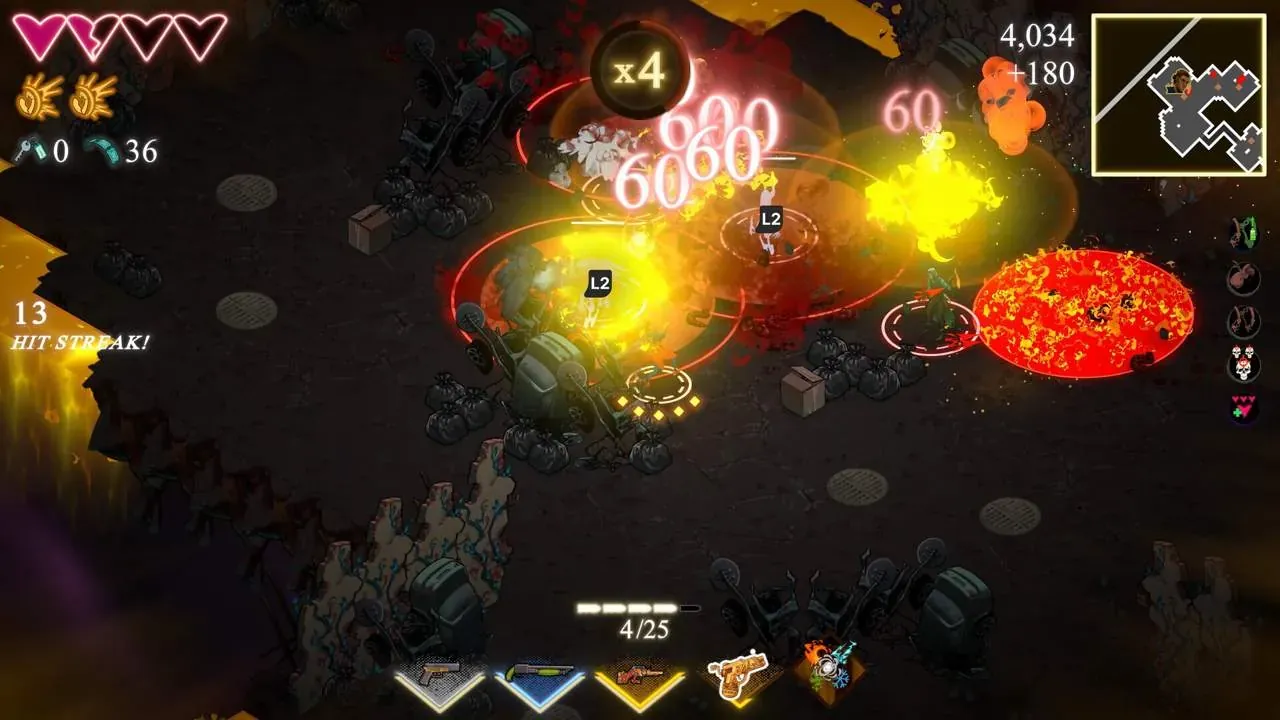
Shoot, reload, and kill to the beat in this fast-paced roguelike.
Create builds
Discover powerful item synergies and craft unique builds to turn the tide in your favor.
Trials
Take on challenging trials to unlock powerful active items, like the Meathook, which lets you swing into enemies with deadly force, or C4, perfect for blowing them to pieces.
Alternate soundtrack
Beat the game on Hardmode to unlock a faster and more intense alternate soundtrack. Want more? Import your own custom songs and crank up the chaos
KILLBEAT System Requirements
Minimum
- OS:
- Windows 10
- CPU:
- Intel i5-2500
- GPU:
- Nvidia GTX 750
- RAM:
- 6 GB
- File Size:
- 10 GB
Recommended
- OS:
- Windows 10
- CPU:
- Intel i3-10100
- GPU:
- Nvidia GTX 1050
- RAM:
- 16 GB
Can I run KILLBEAT on my PC?
To run KILLBEAT on PC you need at minimum a Intel i5-2500 processor, a Nvidia GTX 750 graphics card, and 6 GB of RAM running on Windows 10. For the best experience at recommended settings, upgrade to a Intel i3-10100 CPU and Nvidia GTX 1050 GPU.
What GPU do I need to run KILLBEAT?
The minimum GPU required to run KILLBEAT is the Nvidia GTX 750. For smooth gameplay at high graphics settings, a Nvidia GTX 1050 is recommended.
How much RAM does KILLBEAT require?
KILLBEAT requires a minimum of 6 GB RAM. For the recommended experience, 16 GB of RAM is suggested.
How to check if your PC can run KILLBEAT
- Check your CPU: Compare your processor against the minimum requirement: Intel i5-2500.
- Check your GPU: Your graphics card should meet or exceed: Nvidia GTX 750.
- Check your RAM: You need at least 6 GB of RAM installed.
- Check storage: Ensure you have at least 10 GB of free disk space.
- Use our tool above: Select your RAM in the "Can I Run It?" box to get an instant result.