Kombinera System Requirements (2022) | Minimum & Recommended PC Specs
Quick Hardware Summary
Kombinera requires at least a Intel Core Duo CPU, a dedicated GPU, and 2 GB RAM. For recommended settings, aim for Intel Core Duo CPU and high-end GPU.
Can I Run Kombinera?
Enter your PC specs to instantly check compatibility
About Kombinera
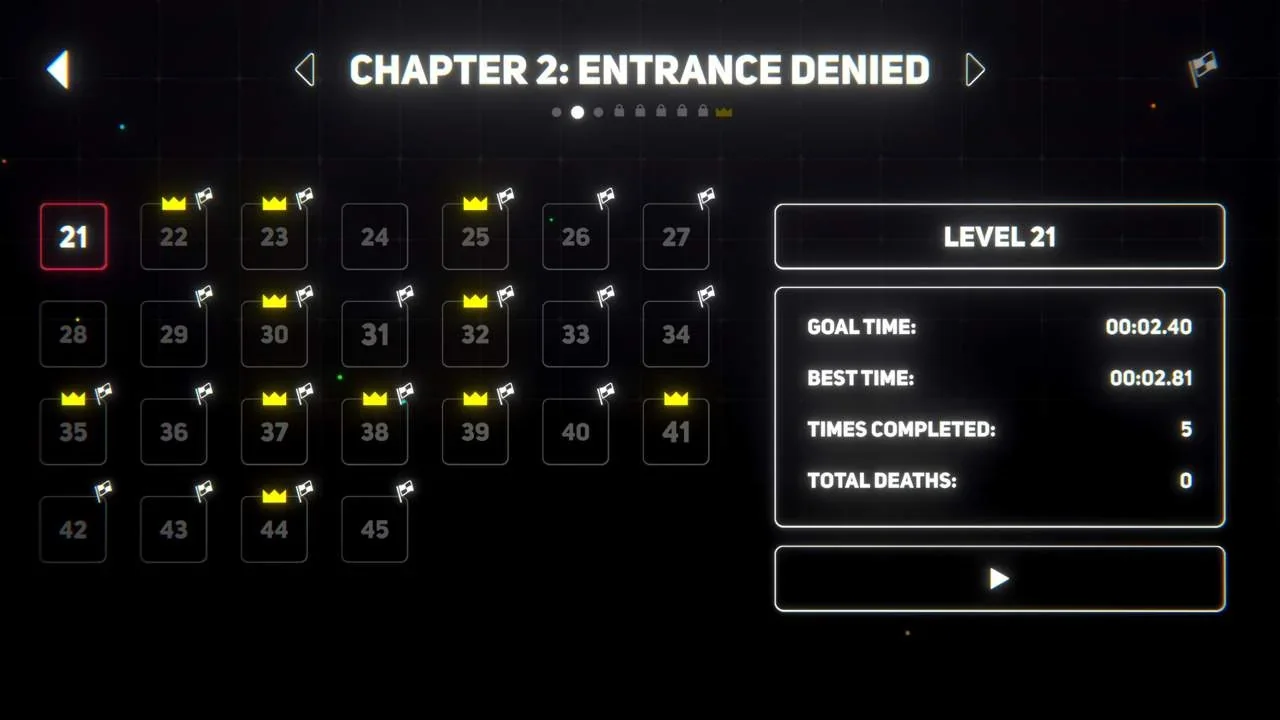
Formidable puzzles. Precise navigation. Balls. Simultaneous control. Special abilities. A fallen king…
All balls move in unison, requiring creative problem solving and a well thought-out plan.
Merge all balls together to complete levels.
Hazards abound, making for a perilous journey through each stage.
Different balls have special abilities, needed to traverse or overcome obstacles.
Simple and accessible to pick up, but the puzzles grow more diabolical as you progress!Core Features
Progress through 300 increasingly complex puzzles.
Encounter new hazards and abilities.
Master levels to achieve best times.
Vibrant neon visual style accompanied by electronic audio tracks.
In-depth, complex, and heart-tugging storyline.
Accessible controls
Kombinera System Requirements
Minimum
- OS:
- Windows 7
- CPU:
- Intel Core Duo
- GPU:
- Not specified
- RAM:
- 2 GB
- File Size:
- 200 MB
Recommended
- OS:
- Windows 7
- CPU:
- Intel Core Duo
- GPU:
- Not specified
- RAM:
- 4 GB
Can I run Kombinera on my PC?
To run Kombinera on PC you need at minimum a Intel Core Duo processor, a Not specified graphics card, and 2 GB of RAM running on Windows 7. For the best experience at recommended settings, upgrade to a Intel Core Duo CPU and Not specified GPU.
What GPU do I need to run Kombinera?
The minimum GPU required to run Kombinera is the Not specified. For smooth gameplay at high graphics settings, a Not specified is recommended.
How much RAM does Kombinera require?
Kombinera requires a minimum of 2 GB RAM. For the recommended experience, 4 GB of RAM is suggested.
How to check if your PC can run Kombinera
- Check your CPU: Compare your processor against the minimum requirement: Intel Core Duo.
- Check your GPU: Your graphics card should meet or exceed: Not specified.
- Check your RAM: You need at least 2 GB of RAM installed.
- Check storage: Ensure you have at least 200 MB of free disk space.
- Use our tool above: Select your RAM in the "Can I Run It?" box to get an instant result.