Liquor Store Simulator: Prologue System Requirements (2025) | Minimum & Recommended PC Specs
Quick Hardware Summary
Liquor Store Simulator: Prologue requires at least a Intel Core i5-6500 CPU, a GTX 1060 GPU, and 16 GB RAM. For recommended settings, aim for Intel Core i5-8400 CPU and GTX 1060 GPU.
Can I Run Liquor Store Simulator: Prologue?
Enter your PC specs to instantly check compatibility
About Liquor Store Simulator: Prologue
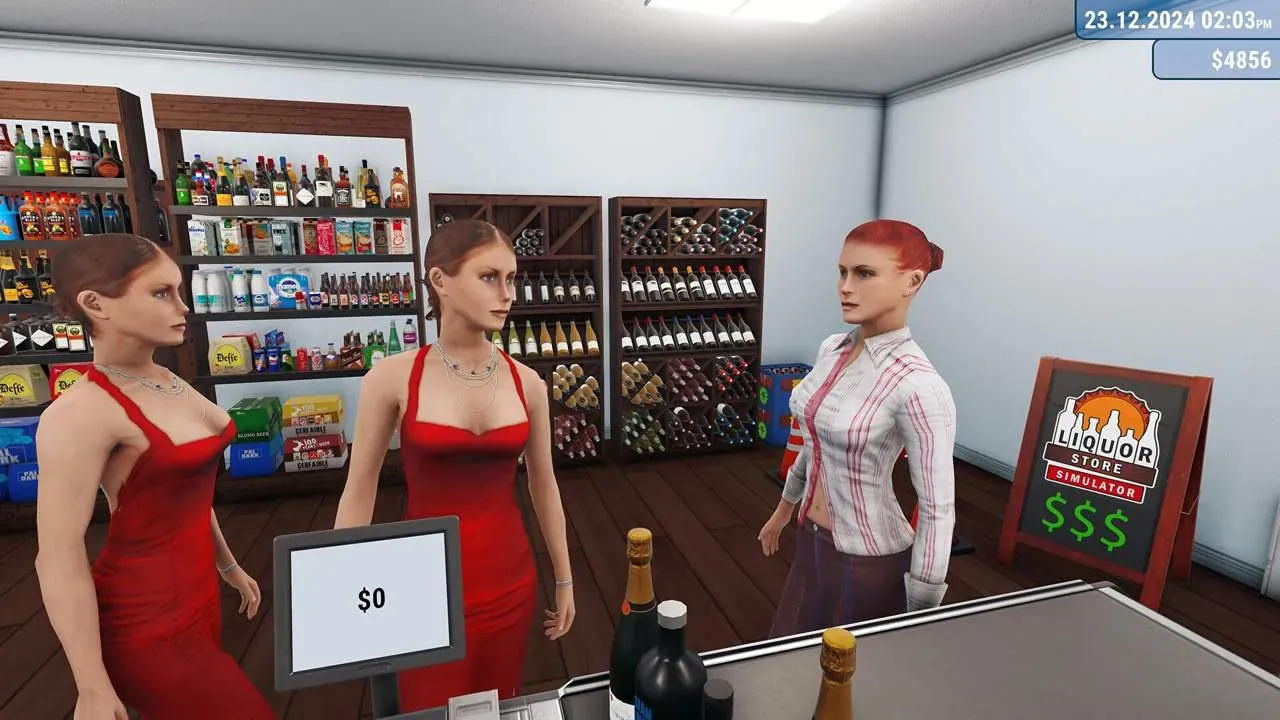
At first, it won’t be easy—you’ll have to work the cash register yourself, accept deliveries, keep track of inventory, and maintain order in the sales area. But hard work and smart decisions will help you turn this modest store into a thriving business with a wide selection of products and satisfied customers.
In this free prologue, we invite you to explore some of the mechanics we’ve prepared for you. We’ve created a lot of content, but we’ve saved most of it for the full release, which is coming very soon! In the meantime, add the full version of Liquor Store Simulator to your wishlist and enjoy the prologue!
Management
Purchase goods, arrange store equipment as you see fit.
Alcohol Licenses
Buy alcohol licenses. This will give you access to more expensive and premium drinks.
Customization
Change the color of walls, ceilings, and floors. Make your store unique and unlike any other.
Expansion
Expand the sales area and storage space. This will allow you to offer your customers an even wider variety of products.
Liquor Store Simulator: Prologue System Requirements
Minimum
- OS:
- Windows 10
- CPU:
- Intel Core i5-6500
- GPU:
- GTX 1060
- RAM:
- 16 GB
- File Size:
- 3 GB
Recommended
- OS:
- Windows 10
- CPU:
- Intel Core i5-8400
- GPU:
- GTX 1060
- RAM:
- Not specified
Can I run Liquor Store Simulator: Prologue on my PC?
To run Liquor Store Simulator: Prologue on PC you need at minimum a Intel Core i5-6500 processor, a GTX 1060 graphics card, and 16 GB of RAM running on Windows 10. For the best experience at recommended settings, upgrade to a Intel Core i5-8400 CPU and GTX 1060 GPU.
What GPU do I need to run Liquor Store Simulator: Prologue?
The minimum GPU required to run Liquor Store Simulator: Prologue is the GTX 1060. For smooth gameplay at high graphics settings, a GTX 1060 is recommended.
How much RAM does Liquor Store Simulator: Prologue require?
Liquor Store Simulator: Prologue requires a minimum of 16 GB RAM. For the recommended experience, Not specified of RAM is suggested.
How to check if your PC can run Liquor Store Simulator: Prologue
- Check your CPU: Compare your processor against the minimum requirement: Intel Core i5-6500.
- Check your GPU: Your graphics card should meet or exceed: GTX 1060.
- Check your RAM: You need at least 16 GB of RAM installed.
- Check storage: Ensure you have at least 3 GB of free disk space.
- Use our tool above: Select your RAM in the "Can I Run It?" box to get an instant result.