Microtransaction Simulator System Requirements (2017) | Minimum & Recommended PC Specs
Quick Hardware Summary
Microtransaction Simulator requires at least a Intel Atom™ 1.6GHz CPU, a dedicated GPU, and 150 RAM. For recommended settings, aim for powerful CPU and high-end GPU.
Can I Run Microtransaction Simulator?
Enter your PC specs to instantly check compatibility
About Microtransaction Simulator
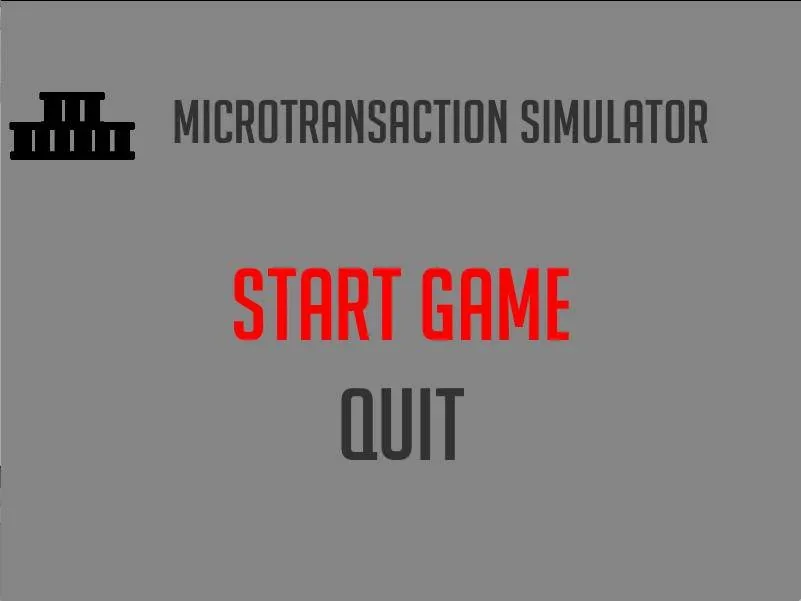
Who doesn't love shelling out $60 for a season pass when the original game is $40? Or what about grinding chests to get the perfect loot you want? Or getting that non-gameplay enhancing cosmetic that has a 1/6000 unlock chance? Save your money with the free to play game Microtransactions Simulator
A twist on the classical clicker style game where you unlock achievements, get better loot, sell loot, and upgrade your shop.Yet to Come:
- Quests with loot
- more loot types (not only cards)
Microtransaction Simulator System Requirements
Minimum
- OS:
- Window XP
- CPU:
- Intel Atom™ 1.6GHz
- GPU:
- Not specified
- RAM:
- 150
- File Size:
- 75
Recommended
- OS:
- -
- CPU:
- Not specified
- GPU:
- Not specified
- RAM:
- Not specified
Can I run Microtransaction Simulator on my PC?
To run Microtransaction Simulator on PC you need at minimum a Intel Atom™ 1.6GHz processor, a Not specified graphics card, and 150 of RAM running on Window XP. For the best experience at recommended settings, upgrade to a Not specified CPU and Not specified GPU.
What GPU do I need to run Microtransaction Simulator?
The minimum GPU required to run Microtransaction Simulator is the Not specified. For smooth gameplay at high graphics settings, a Not specified is recommended.
How much RAM does Microtransaction Simulator require?
Microtransaction Simulator requires a minimum of 150 RAM. For the recommended experience, Not specified of RAM is suggested.
How to check if your PC can run Microtransaction Simulator
- Check your CPU: Compare your processor against the minimum requirement: Intel Atom™ 1.6GHz.
- Check your GPU: Your graphics card should meet or exceed: Not specified.
- Check your RAM: You need at least 150 of RAM installed.
- Check storage: Ensure you have at least 75 of free disk space.
- Use our tool above: Select your RAM in the "Can I Run It?" box to get an instant result.