Mirror Atelier System Requirements (2025) | Minimum & Recommended PC Specs
Quick Hardware Summary
Mirror Atelier requires at least a Intel Core 2 Duo CPU, a dedicated GPU, and 1500 MB RAM. For recommended settings, aim for Intel Core 2 Duo CPU and high-end GPU.
Can I Run Mirror Atelier?
Enter your PC specs to instantly check compatibility
1500 MB
2000 MB
About Mirror Atelier
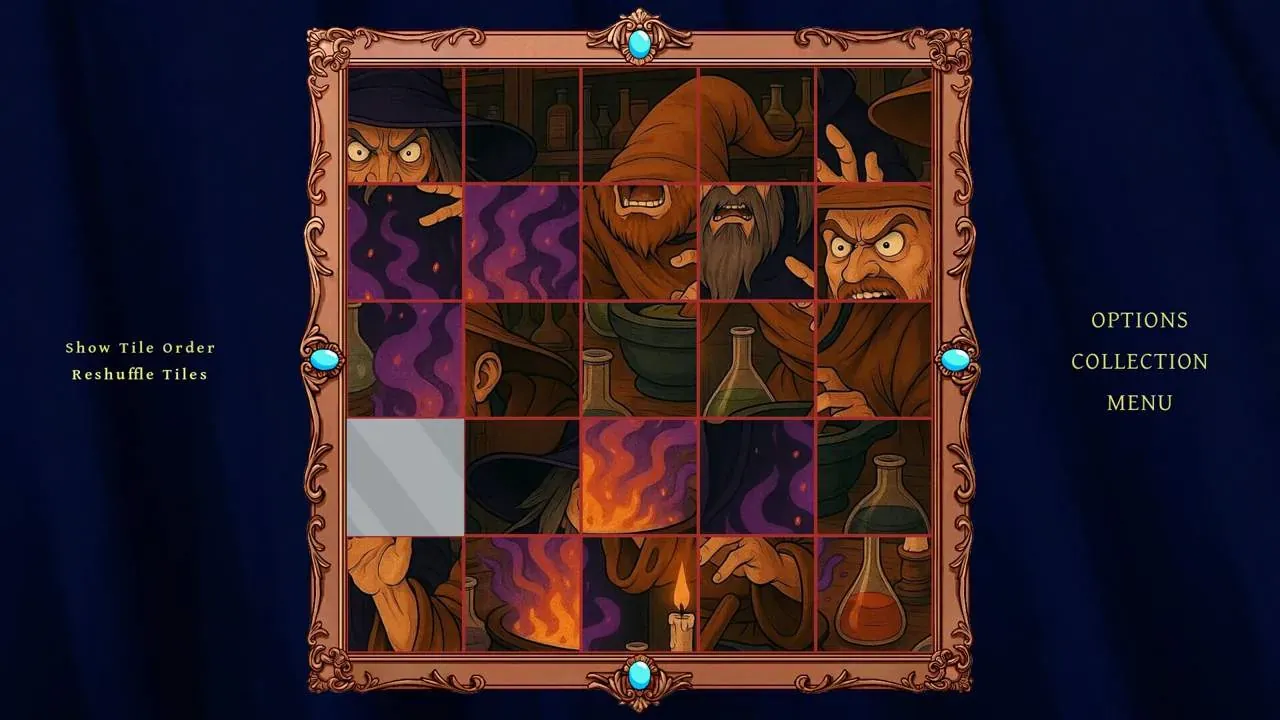
Step into the enchanting world of Mirror Atelier, a captivating sliding jigsaw puzzle game that challenges your perception and delights your artistic senses. Each puzzle is a masterpiece waiting to be unveiled, a fragmented reflection of stunning artwork. Mirror Atelier invites you into a world where stories and puzzles seamlessly merge.
The gameplay in Mirror Atelier features familiar classic sliding puzzle mechanics. As you progress, the puzzles increase in complexity, introducing more pieces that will test your spatial reasoning and patience. With each puzzle you solve, fragments of little stories unfold to make you feel amused and delighted with your achievement.
Beyond the core puzzling, Mirror Atelier offers a tranquil and immersive atmosphere. The visuals are rich and detailed, showcasing a diverse collection of artistic styles. A soothing, ambient soundtrack accompanies your gameplay, creating a relaxing environment. Enter into Mirror Atelier today and slide into a world of artistic discovery and narrative charm!
The gameplay in Mirror Atelier features familiar classic sliding puzzle mechanics. As you progress, the puzzles increase in complexity, introducing more pieces that will test your spatial reasoning and patience. With each puzzle you solve, fragments of little stories unfold to make you feel amused and delighted with your achievement.
Beyond the core puzzling, Mirror Atelier offers a tranquil and immersive atmosphere. The visuals are rich and detailed, showcasing a diverse collection of artistic styles. A soothing, ambient soundtrack accompanies your gameplay, creating a relaxing environment. Enter into Mirror Atelier today and slide into a world of artistic discovery and narrative charm!
Score N/A
Released 6/11/2025
Developer
Publisher
Mirror Atelier System Requirements
Minimum
- OS:
- -
- CPU:
- Intel Core 2 Duo
- GPU:
- Not specified
- RAM:
- 1500 MB
- File Size:
- 300 MB
Recommended
- OS:
- -
- CPU:
- Intel Core 2 Duo
- GPU:
- Not specified
- RAM:
- 2000 MB
Can I run Mirror Atelier on my PC?
To run Mirror Atelier on PC you need at minimum a Intel Core 2 Duo processor, a Not specified graphics card, and 1500 MB of RAM running on Windows 10. For the best experience at recommended settings, upgrade to a Intel Core 2 Duo CPU and Not specified GPU.
What GPU do I need to run Mirror Atelier?
The minimum GPU required to run Mirror Atelier is the Not specified. For smooth gameplay at high graphics settings, a Not specified is recommended.
How much RAM does Mirror Atelier require?
Mirror Atelier requires a minimum of 1500 MB RAM. For the recommended experience, 2000 MB of RAM is suggested.
How to check if your PC can run Mirror Atelier
- Check your CPU: Compare your processor against the minimum requirement: Intel Core 2 Duo.
- Check your GPU: Your graphics card should meet or exceed: Not specified.
- Check your RAM: You need at least 1500 MB of RAM installed.
- Check storage: Ensure you have at least 300 MB of free disk space.
- Use our tool above: Select your RAM in the "Can I Run It?" box to get an instant result.