Moons Of Darsalon System Requirements (2023) | Minimum & Recommended PC Specs
Quick Hardware Summary
Moons Of Darsalon requires at least a capable CPU, a dedicated GPU, and 8 GB RAM. For recommended settings, aim for powerful CPU and high-end GPU.
Can I Run Moons Of Darsalon?
Enter your PC specs to instantly check compatibility
8 GB
16 GB
About Moons Of Darsalon
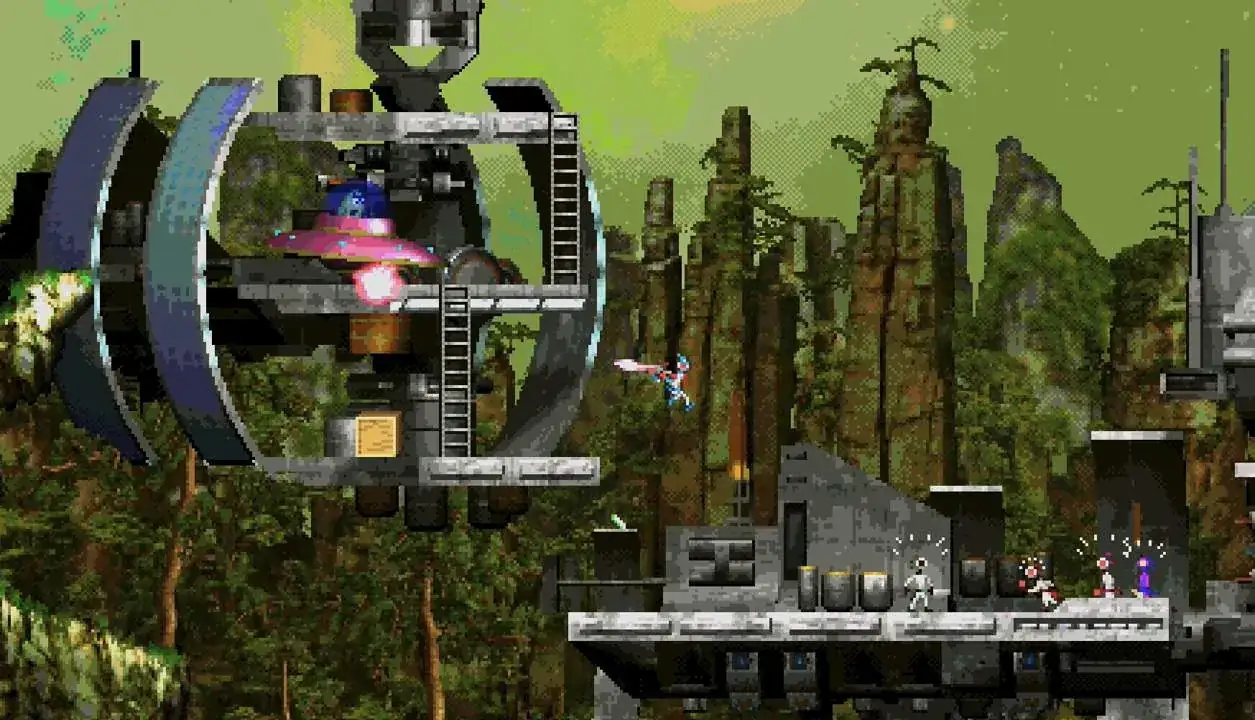
Teams of darsanauts got lost during their mining missions on the different moons of the planet Darsalon. You need to complete several rescue missions in which you will have to lead them to the closest base station. They will use their own AI to follow you and to obey your commands. On your way to the base you will have to protect them from dangers and enemies using your laser gun, jet pack, pilot ground and air vehicles, destroy terrain, and even make new paths with the ground maker gun.
Featuring:
- Advanced platformer AI including dynamic terrain detection, jump force calculation, light sensitivity, inter-NPC communication.
- Voice Commands to control companion NPCs.
- Dynamic ground destruction and creation.
- Full Interactive and realistic Liquid physics.
- Realistic off road vehicle physics.
- 8 bit music based on MOS 6581 (SID) chip from 1982.
- 8 bit speech synthesis.
- Unique render pipeline that combines modern lightning, 2D sprites and 3D models pixelated in real time consistently and with a restricted color palette for an authentic retro feel.
- CRT filter.
Featuring:
- Advanced platformer AI including dynamic terrain detection, jump force calculation, light sensitivity, inter-NPC communication.
- Voice Commands to control companion NPCs.
- Dynamic ground destruction and creation.
- Full Interactive and realistic Liquid physics.
- Realistic off road vehicle physics.
- 8 bit music based on MOS 6581 (SID) chip from 1982.
- 8 bit speech synthesis.
- Unique render pipeline that combines modern lightning, 2D sprites and 3D models pixelated in real time consistently and with a restricted color palette for an authentic retro feel.
- CRT filter.
Score N/A
Released 4/19/2023
Developer
Publisher
Moons Of Darsalon System Requirements
Minimum
- OS:
- Windows 7
- CPU:
- Not specified
- GPU:
- Not specified
- RAM:
- 8 GB
- File Size:
- 1 GB
Recommended
- OS:
- Windows 10
- CPU:
- Not specified
- GPU:
- Not specified
- RAM:
- 16 GB
Can I run Moons Of Darsalon on my PC?
To run Moons Of Darsalon on PC you need at minimum a Not specified processor, a Not specified graphics card, and 8 GB of RAM running on Windows 7. For the best experience at recommended settings, upgrade to a Not specified CPU and Not specified GPU.
What GPU do I need to run Moons Of Darsalon?
The minimum GPU required to run Moons Of Darsalon is the Not specified. For smooth gameplay at high graphics settings, a Not specified is recommended.
How much RAM does Moons Of Darsalon require?
Moons Of Darsalon requires a minimum of 8 GB RAM. For the recommended experience, 16 GB of RAM is suggested.
How to check if your PC can run Moons Of Darsalon
- Check your CPU: Compare your processor against the minimum requirement: Not specified.
- Check your GPU: Your graphics card should meet or exceed: Not specified.
- Check your RAM: You need at least 8 GB of RAM installed.
- Check storage: Ensure you have at least 1 GB of free disk space.
- Use our tool above: Select your RAM in the "Can I Run It?" box to get an instant result.