Office After Hours System Requirements (2025) | Minimum & Recommended PC Specs
Quick Hardware Summary
Office After Hours requires at least a intel Core i7 4770 CPU, a NVIDIA GeForce GTX 970 GPU, and 8 GB RAM. For recommended settings, aim for powerful CPU and high-end GPU.
Can I Run Office After Hours?
Enter your PC specs to instantly check compatibility
About Office After Hours
Office After Hours is a 1-2 hours light horror experience with scary and funny anomalies set in a mysterious story.
You just want to go home. Why are you still here?
Your boss has insisted on extra overtime and now you're stuck in the office after work. Keep an eye out for strange occurrences and you might find your way home.
Spot anomalies
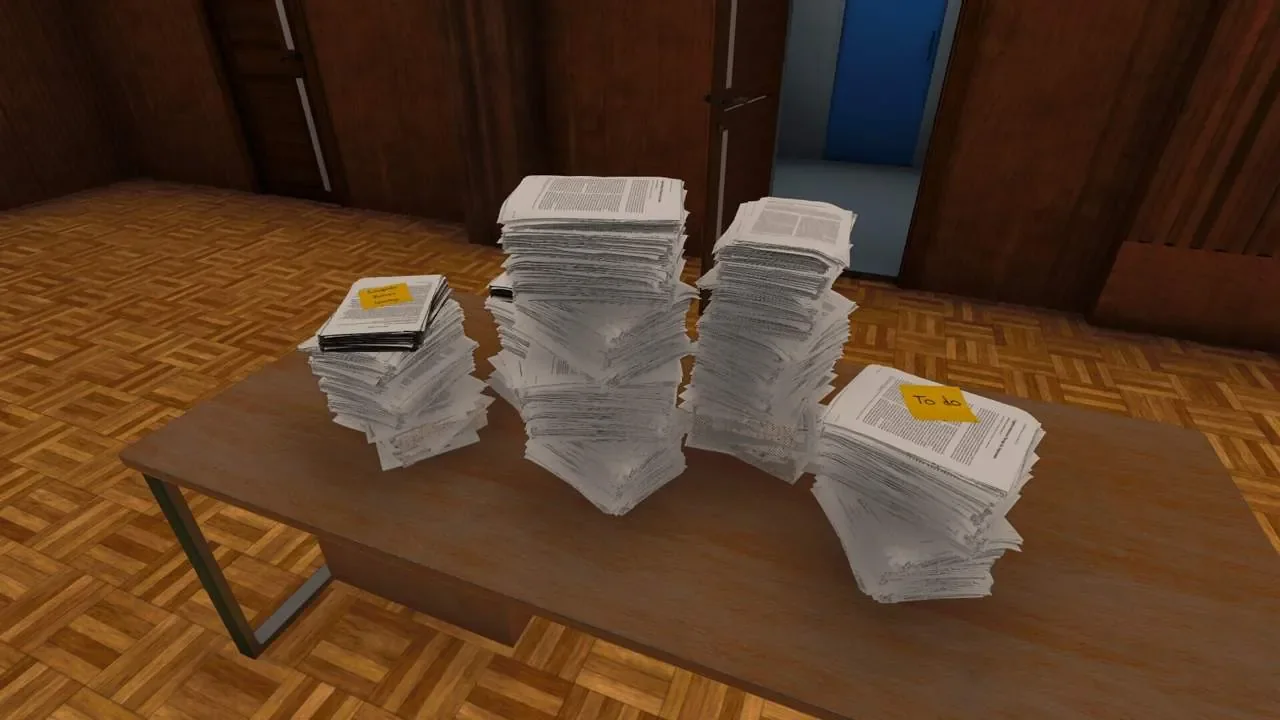
During your shift, the office will change and you will discover a lot of work, coffee and, if you are lucky, the office pet.
Escape the overwork hell
To escape from Endless Solutions, you must find clues that will give you access to new areas and reveal new secrets.
Can you find all the numbers and collect the story-related items?
Can you escape?
30 Story based anomalies
40+ Anomalies in total
Working hours
~1-2 hours (+overtime)
Office After Hours System Requirements
Minimum
- OS:
- Windows 10 / Windows 11
- CPU:
- intel Core i7 4770
- GPU:
- NVIDIA GeForce GTX 970
- RAM:
- 8 GB
- File Size:
- 4 GB
Recommended
- OS:
- -
- CPU:
- Not specified
- GPU:
- Not specified
- RAM:
- Not specified
Can I run Office After Hours on my PC?
To run Office After Hours on PC you need at minimum a intel Core i7 4770 processor, a NVIDIA GeForce GTX 970 graphics card, and 8 GB of RAM running on Windows 10 / Windows 11. For the best experience at recommended settings, upgrade to a Not specified CPU and Not specified GPU.
What GPU do I need to run Office After Hours?
The minimum GPU required to run Office After Hours is the NVIDIA GeForce GTX 970. For smooth gameplay at high graphics settings, a Not specified is recommended.
How much RAM does Office After Hours require?
Office After Hours requires a minimum of 8 GB RAM. For the recommended experience, Not specified of RAM is suggested.
How to check if your PC can run Office After Hours
- Check your CPU: Compare your processor against the minimum requirement: intel Core i7 4770.
- Check your GPU: Your graphics card should meet or exceed: NVIDIA GeForce GTX 970.
- Check your RAM: You need at least 8 GB of RAM installed.
- Check storage: Ensure you have at least 4 GB of free disk space.
- Use our tool above: Select your RAM in the "Can I Run It?" box to get an instant result.