OVIS LOOP System Requirements (2025) | Minimum & Recommended PC Specs
Quick Hardware Summary
OVIS LOOP requires at least a Intel Dual core from Intel CPU, a Nvidia 450 GTS GPU, and 4 GB RAM. For recommended settings, aim for Intel Dual core from Intel CPU and Nvidia GTX 460 GPU.
Can I Run OVIS LOOP?
Enter your PC specs to instantly check compatibility
About OVIS LOOP
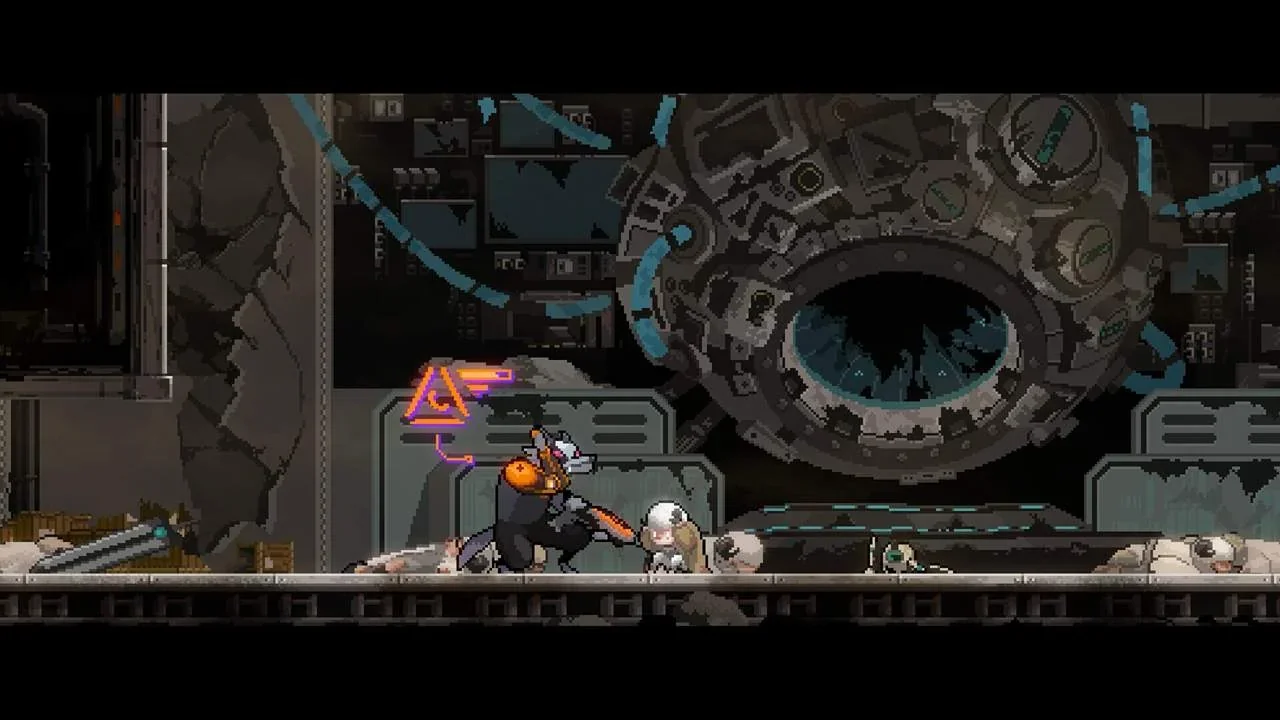
Step into a world where combat never has to go the same way twice. Engage the lupine enemy in dynamic combat, with responsive and precise battle controls.
Find a host of ferocious enemies, ranging from the smallest minions to hulking monstrosities – with an army augmented by the despicable Doctor Wolf.
Unlock new weapons, skills and abilities to pick up on each run, but Protectors beware! One wrong move and while Omega will persist through death, any modifications collected will be lost as you hit a new Loop with a fresh loadout – it’s time to steel your woollen form, and protect the flock.
After defeating enemies, players will download and evolve critical skills to help you fight through the Loop. Rather than just acquiring new skills, Ovis Loop gives you the choice between passive and active upgrades for each skill.
Decide to buff the skill you have, or add an additional chained skill to carry on carving your way through Doctor Wolf’s minions. Our skill and combo system allows you to play your way. Focus on strengthening just one skill, or embrace the dynamic force of the chain, it’s up to you.
Each Alpha enemy and Doctor Wolf’s augmented monstrosities provide increasingly difficult challenges as you progress through the Loop. As well as harbouring secrets about Ovis Loop’s world and inhabitants, they also learn from your own playstyle.
Whether you like to charge in, use area of effect or dive in and out, each boss will adapt to meet your challenge. Focus on dodging and find a boss that aggressively pursues. If you prefer to rush in, it’ll retreat to find space.
You define the battle, but each Loop is designed to test you with more than simple pattern recognition. Overcome each challenge through intuitive action and a build that works for you.
An unconventional story, maybe, but this is not the tale you have heard before. As well as powerful new skills and abilities, you’ll uncover secrets about Ovis Loop’s post-apocalyptic world and (more importantly) about our hero Omega. Become the Shepherd, protect your flock, and delve into the mysteries you find in each Loop.
Ovis Loop is the chronicle of just one lone sheep, trapped in a brutal, looping war with a lupine enemy. In this fight, you must stand alone, but Ovis Loop gives you the tools to succeed, for those with wool made of steel.
OVIS LOOP System Requirements
Minimum
- OS:
- Windows 10
- CPU:
- Intel Dual core from Intel
- GPU:
- Nvidia 450 GTS
- RAM:
- 4 GB
- File Size:
- 1 GB
Recommended
- OS:
- Windows 10
- CPU:
- Intel Dual core from Intel
- GPU:
- Nvidia GTX 460
- RAM:
- 8 GB
Can I run OVIS LOOP on my PC?
To run OVIS LOOP on PC you need at minimum a Intel Dual core from Intel processor, a Nvidia 450 GTS graphics card, and 4 GB of RAM running on Windows 10. For the best experience at recommended settings, upgrade to a Intel Dual core from Intel CPU and Nvidia GTX 460 GPU.
What GPU do I need to run OVIS LOOP?
The minimum GPU required to run OVIS LOOP is the Nvidia 450 GTS. For smooth gameplay at high graphics settings, a Nvidia GTX 460 is recommended.
How much RAM does OVIS LOOP require?
OVIS LOOP requires a minimum of 4 GB RAM. For the recommended experience, 8 GB of RAM is suggested.
How to check if your PC can run OVIS LOOP
- Check your CPU: Compare your processor against the minimum requirement: Intel Dual core from Intel.
- Check your GPU: Your graphics card should meet or exceed: Nvidia 450 GTS.
- Check your RAM: You need at least 4 GB of RAM installed.
- Check storage: Ensure you have at least 1 GB of free disk space.
- Use our tool above: Select your RAM in the "Can I Run It?" box to get an instant result.