Roller Champions System Requirements (2022) | Minimum & Recommended PC Specs
Quick Hardware Summary
Roller Champions requires at least a capable CPU, a dedicated GPU, and 8 GB RAM. For recommended settings, aim for powerful CPU and high-end GPU.
Can I Run Roller Champions?
Enter your PC specs to instantly check compatibility
N/A
N/A
About Roller Champions
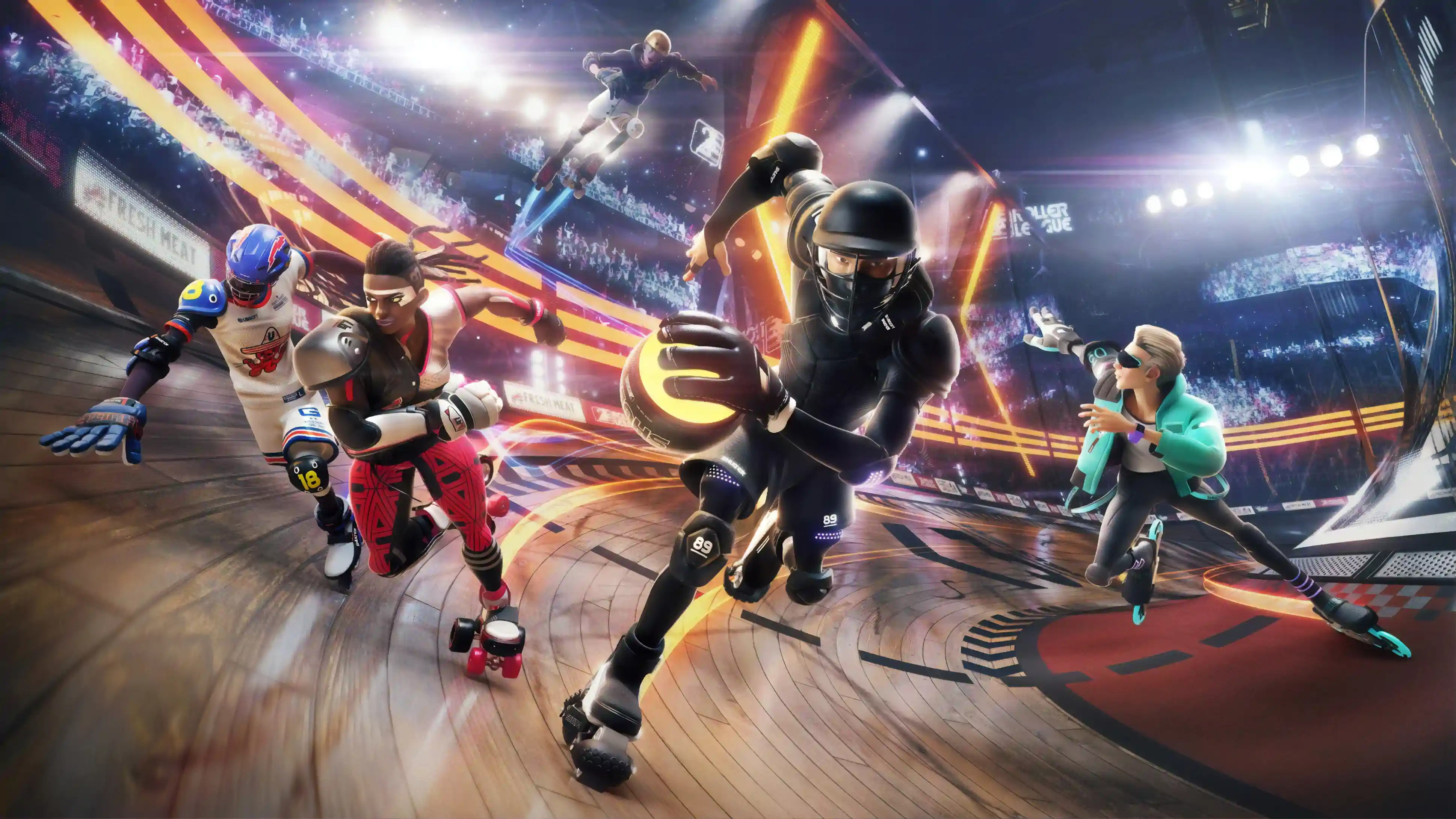
Skate, tackle, and roll your way up to glory in Roller Champions™. Discover a free-to-play, team PvP sports game like no other!
Welcome to 2032. Arenas are built all over the world and fans rush to the stands to admire their modern-day heroes, the Roller Champions. They roll up to 100 miles an hour, tackle opponents, wall-skate, and dunk while thousands of fans scream their names.
As a Roller Champion, compete in a team of three against three. The rules are simple: take the ball, make a lap while maintaining team possession, dodge opponents, and score. Go for more points by completing additional laps before attempting a goal. After each match, gain fans to compete in bigger arenas. Customize characters and create a unique destiny.
Welcome to 2032. Arenas are built all over the world and fans rush to the stands to admire their modern-day heroes, the Roller Champions. They roll up to 100 miles an hour, tackle opponents, wall-skate, and dunk while thousands of fans scream their names.
As a Roller Champion, compete in a team of three against three. The rules are simple: take the ball, make a lap while maintaining team possession, dodge opponents, and score. Go for more points by completing additional laps before attempting a goal. After each match, gain fans to compete in bigger arenas. Customize characters and create a unique destiny.
GATHER YOUR TEAM AND COMPETE
Team up with two players and dive into Roller Champions’ gameplay, which combines fun competitive action and collaborative team play.- Go head-to-head against the opposing team through speed, wit, crushing tackles, and daring dodges to lap around the arena and be the first team to reach 5 points by throwing the ball through the hoop.
- Feel the thrill of riding up and down the wall of the arena as you gain speed, quickly stop, pivot, and re-position as your teammates race towards the goal, just one pass away from winning or one interception away from having to start all over again.
FROM ZERO TO HERO – BUILD A LIFE OF A WORLD-RENOWNED ATHLETE
Write your own legend. Start your sports career as the underdog and roll up to glory as you win matches.- Obtain more fans in arena bleachers as you complete spectacular actions and progress to bigger stadiums.
- Write your name in Roller Champions’ history books as you climb up the leaderboards.
- Progress through Roller Champions’ ranked mode from Garage league all the way to the Elite Champions’ league.
- Compete in thrilling time-limited special game mode to gain fans or special lootballs.
CREATE AND FULLY CUSTOMIZE YOUR SPORT LEGEND
Create your own character and customize your outfit as you progress.- Unlock new items, including skates, helmets, fresh attires, gloves, goal effects, emotes, air poses, player titles and banners.
- Progress through the Roller Pass to gain season-exclusive items, spectacular goal FX and emotes, lootballs and in-game currency (wheels).
COME HANG IN THE SKATEPARK
Roller Champions’ social hub is THE place to be to meet up and learn the ropes with your friends!- Roll around, practice scoring and learn new tricks.
- Participate to time-limited minigames.
Score N/A
Released 5/25/2022
Developer
Publisher
Roller Champions System Requirements
Minimum
- OS:
- -
- CPU:
- Not specified
- GPU:
- Not specified
- RAM:
- Not specified
- File Size:
- -
Recommended
- OS:
- -
- CPU:
- Not specified
- GPU:
- Not specified
- RAM:
- Not specified
Can I run Roller Champions on my PC?
To run Roller Champions on PC you need at minimum a Not specified processor, a Not specified graphics card, and Not specified of RAM running on Windows 10. For the best experience at recommended settings, upgrade to a Not specified CPU and Not specified GPU.
What GPU do I need to run Roller Champions?
The minimum GPU required to run Roller Champions is the Not specified. For smooth gameplay at high graphics settings, a Not specified is recommended.
How much RAM does Roller Champions require?
Roller Champions requires a minimum of Not specified RAM. For the recommended experience, Not specified of RAM is suggested.
How to check if your PC can run Roller Champions
- Check your CPU: Compare your processor against the minimum requirement: Not specified.
- Check your GPU: Your graphics card should meet or exceed: Not specified.
- Check your RAM: You need at least Not specified of RAM installed.
- Check storage: Ensure you have at least Not specified of free disk space.
- Use our tool above: Select your RAM in the "Can I Run It?" box to get an instant result.