ROSE Online System Requirements (2012) | Minimum & Recommended PC Specs
Quick Hardware Summary
ROSE Online requires at least a capable CPU, a dedicated GPU, and 8 GB RAM. For recommended settings, aim for powerful CPU and high-end GPU.
Can I Run ROSE Online?
Enter your PC specs to instantly check compatibility
N/A
N/A
About ROSE Online
We don't know where Arua came from, nor how she came to be. We do know, however, that nothing existed before Arua. The Goddess of life, souls, and all existence created the universe as she saw fit… a calm and beautiful place where souls could dwell peacefully. The deep matters of the universe cradled the waves of life, on which all beings would sway soothingly. This perfect universe was called the Sea of Souls.
Life would bring shine to the Sea of Souls, in the form of seven planets. Arua created these out of love, and dedicated each of them to the inhabitants that she breathed life into.
"The planets, as your lives, dear ones, are all yours. As am I. As are your souls."
These are the words of Arua that ring in everyone's hearts when they are born.
"To you, I give the Gods, to watch over you. Praise them well, for no love can ever match the one you will receive from them."
And thus, the Gods were created, to watch over all life that Arua had created among the seven planets. And Arua named the planets after each of the Gods and Goddesses that would look after them: Junon, Lunar, Eldeon, Orlo, Karkia, Skaaj, and Hebarn.
Each planet's inhabitants lived in happiness, idolizing their respective God or Goddess, and reveling in the pleasures that living under their protection and rule brought.
But all was not harmonious for long. The Dark God Hebarn disbanded from the other planets, and his plots to destroy Arua's universe began.
Soon, the gossips about strange visitors started. The Visitors protect life, and make right from all that is wrong. They are divine beings; they seldom suffer from hunger or thirst, they do not need as much sleep as most other creatures, but they can hurt, they can love. And they can help.
That is why Arua created them, after allKey Features:Customize Your Game Play
You pick your stats and skills that best fit your type of game play with multiple skill tree options for each class that allows for an experience that is your own.
Players Make their Own Legend
The quests in ROSE Online are affected by the activities of the user community. Who do you follow; Arua or Hebarn?
Customize Your Toon
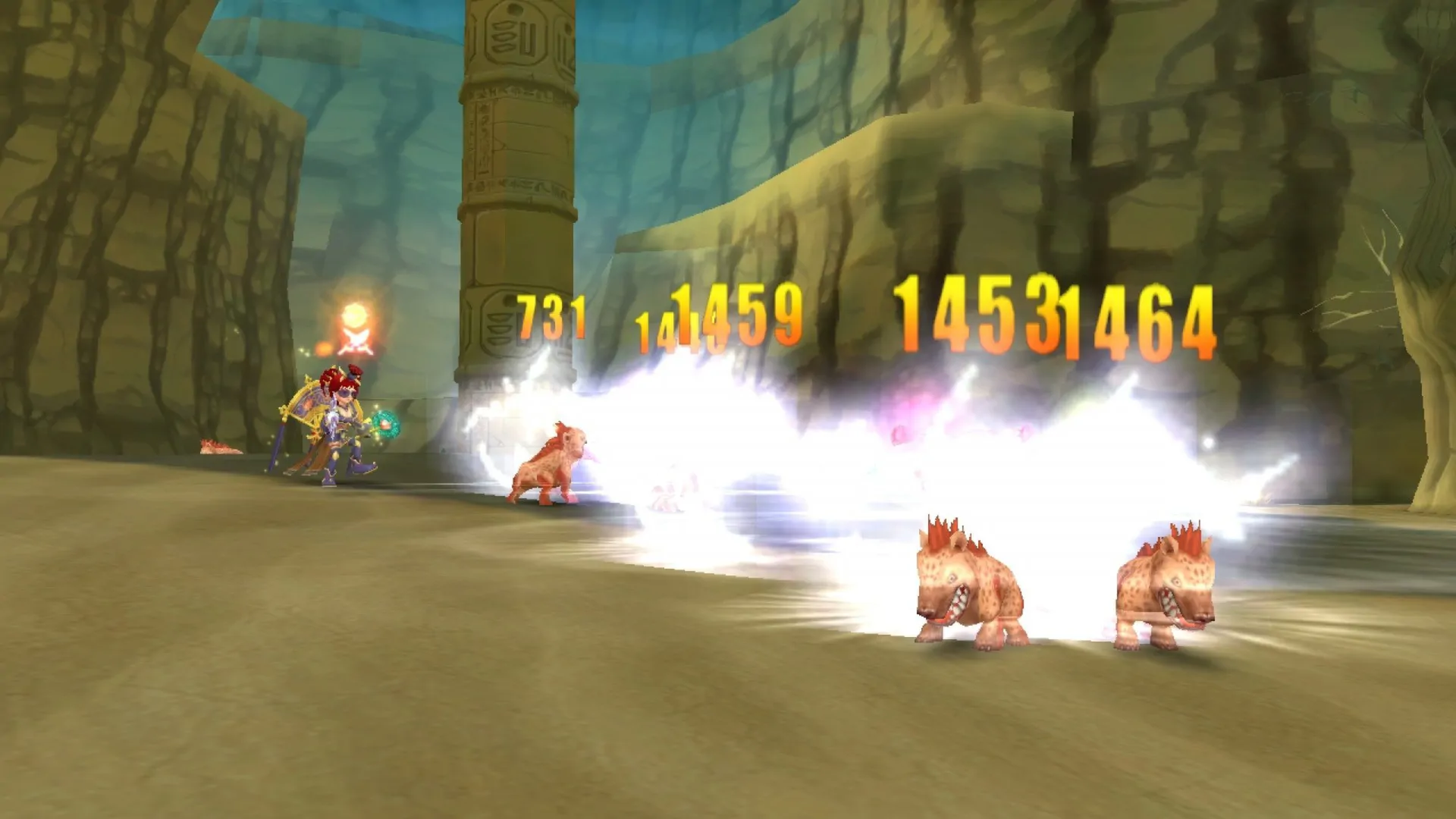
You are not confined to ugly armors or a single look, you can outfit your toon to be just about anything you want to look like while you pick fights with monsters or engage others in PvP. You can look like a large Jelly Bean while fighting a Mech Castle Gear during PvP it is all up to you.
Party Play
Grouping with your friends doesn't just allow you to benefit like a traditional MMO, but you earn vastly more EXP and with player skills that help with the Party the enjoyment is vastly increased as well!
Life would bring shine to the Sea of Souls, in the form of seven planets. Arua created these out of love, and dedicated each of them to the inhabitants that she breathed life into.
"The planets, as your lives, dear ones, are all yours. As am I. As are your souls."
These are the words of Arua that ring in everyone's hearts when they are born.
"To you, I give the Gods, to watch over you. Praise them well, for no love can ever match the one you will receive from them."
And thus, the Gods were created, to watch over all life that Arua had created among the seven planets. And Arua named the planets after each of the Gods and Goddesses that would look after them: Junon, Lunar, Eldeon, Orlo, Karkia, Skaaj, and Hebarn.
Each planet's inhabitants lived in happiness, idolizing their respective God or Goddess, and reveling in the pleasures that living under their protection and rule brought.
But all was not harmonious for long. The Dark God Hebarn disbanded from the other planets, and his plots to destroy Arua's universe began.
Soon, the gossips about strange visitors started. The Visitors protect life, and make right from all that is wrong. They are divine beings; they seldom suffer from hunger or thirst, they do not need as much sleep as most other creatures, but they can hurt, they can love. And they can help.
That is why Arua created them, after allKey Features:Customize Your Game Play
You pick your stats and skills that best fit your type of game play with multiple skill tree options for each class that allows for an experience that is your own.
Players Make their Own Legend
The quests in ROSE Online are affected by the activities of the user community. Who do you follow; Arua or Hebarn?
Customize Your Toon
You are not confined to ugly armors or a single look, you can outfit your toon to be just about anything you want to look like while you pick fights with monsters or engage others in PvP. You can look like a large Jelly Bean while fighting a Mech Castle Gear during PvP it is all up to you.
Party Play
Grouping with your friends doesn't just allow you to benefit like a traditional MMO, but you earn vastly more EXP and with player skills that help with the Party the enjoyment is vastly increased as well!
Score N/A
Released 10/23/2012
Genres
Developer
Publisher
Platforms
ROSE Online System Requirements
Minimum
- OS:
- -
- CPU:
- Not specified
- GPU:
- Not specified
- RAM:
- Not specified
- File Size:
- -
Recommended
- OS:
- -
- CPU:
- Not specified
- GPU:
- Not specified
- RAM:
- Not specified
Can I run ROSE Online on my PC?
To run ROSE Online on PC you need at minimum a Not specified processor, a Not specified graphics card, and Not specified of RAM running on Windows 10. For the best experience at recommended settings, upgrade to a Not specified CPU and Not specified GPU.
What GPU do I need to run ROSE Online?
The minimum GPU required to run ROSE Online is the Not specified. For smooth gameplay at high graphics settings, a Not specified is recommended.
How much RAM does ROSE Online require?
ROSE Online requires a minimum of Not specified RAM. For the recommended experience, Not specified of RAM is suggested.
How to check if your PC can run ROSE Online
- Check your CPU: Compare your processor against the minimum requirement: Not specified.
- Check your GPU: Your graphics card should meet or exceed: Not specified.
- Check your RAM: You need at least Not specified of RAM installed.
- Check storage: Ensure you have at least Not specified of free disk space.
- Use our tool above: Select your RAM in the "Can I Run It?" box to get an instant result.