Shrouded in Sanity System Requirements (2016) | Minimum & Recommended PC Specs
Quick Hardware Summary
Shrouded in Sanity requires at least a capable CPU, a dedicated GPU, and 2 GB RAM. For recommended settings, aim for powerful CPU and high-end GPU.
Can I Run Shrouded in Sanity?
Enter your PC specs to instantly check compatibility
2 GB
N/A
About Shrouded in Sanity
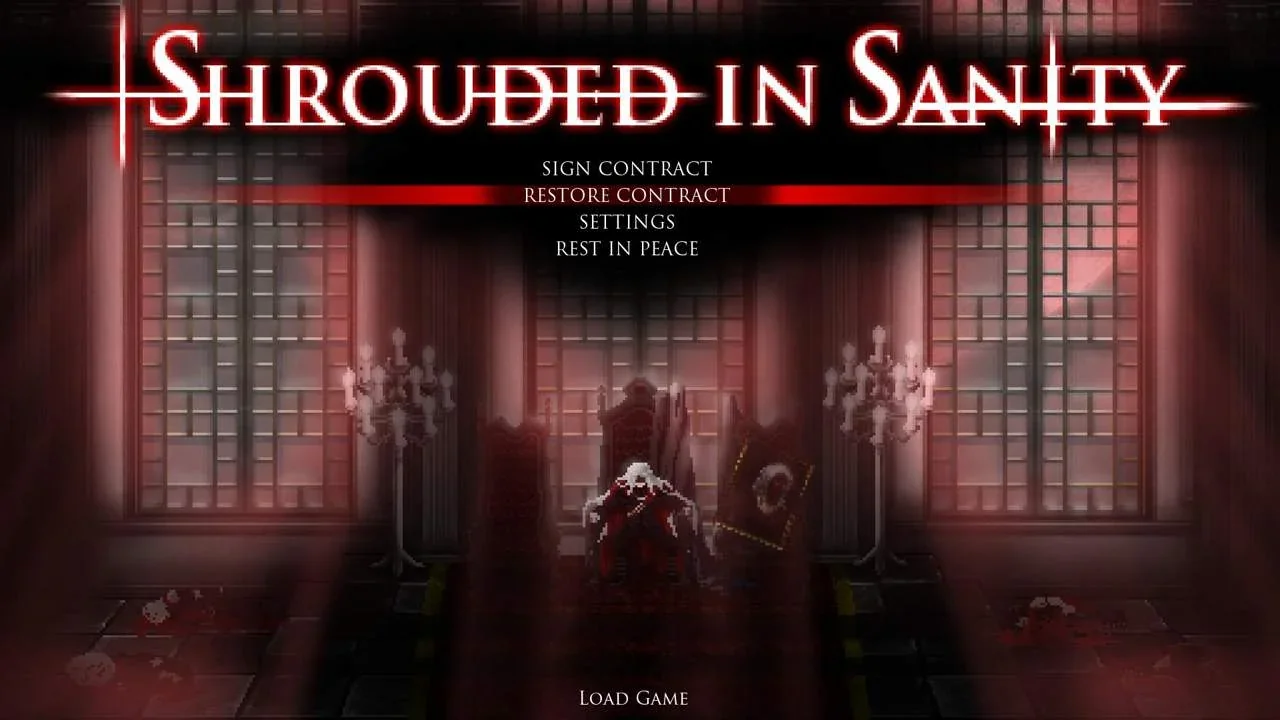
A survival-horror game inspired by Resident Evil 1, Dark Souls, and Eternal Darkness.
Set in the alternative historical setting of 1897 Angelic Empire of Britannia, your contract will order you to eliminate the source of the unnatural fog enveloping the Berelai Manor.
Discover the secrets of the estate, as you look for answers among the violent inhabitants.
A strange and repelling madness took hold of the servants roaming the halls, and they will attack on sight, for their madness is one rooted in a deeper understanding of cosmic insignificance.
To repel the maddening horrors, your Iaito cane, and Waltham A9 hand canon will aid you. To mend your injuries your Vitae concoctions will offer healing.
Beware, whatever unearthly events have transpired, your sanity will be tested as the truth unfolds in this hungry all-consuming Fog.
Set in the alternative historical setting of 1897 Angelic Empire of Britannia, your contract will order you to eliminate the source of the unnatural fog enveloping the Berelai Manor.
Discover the secrets of the estate, as you look for answers among the violent inhabitants.
A strange and repelling madness took hold of the servants roaming the halls, and they will attack on sight, for their madness is one rooted in a deeper understanding of cosmic insignificance.
To repel the maddening horrors, your Iaito cane, and Waltham A9 hand canon will aid you. To mend your injuries your Vitae concoctions will offer healing.
Beware, whatever unearthly events have transpired, your sanity will be tested as the truth unfolds in this hungry all-consuming Fog.
Score N/A
Released 5/27/2016
Developer
Publisher
Platforms
Shrouded in Sanity System Requirements
Minimum
- OS:
- Windows 7
- CPU:
- Not specified
- GPU:
- Not specified
- RAM:
- 2 GB
- File Size:
- 1 GB
Recommended
- OS:
- -
- CPU:
- Not specified
- GPU:
- Not specified
- RAM:
- Not specified
Can I run Shrouded in Sanity on my PC?
To run Shrouded in Sanity on PC you need at minimum a Not specified processor, a Not specified graphics card, and 2 GB of RAM running on Windows 7. For the best experience at recommended settings, upgrade to a Not specified CPU and Not specified GPU.
What GPU do I need to run Shrouded in Sanity?
The minimum GPU required to run Shrouded in Sanity is the Not specified. For smooth gameplay at high graphics settings, a Not specified is recommended.
How much RAM does Shrouded in Sanity require?
Shrouded in Sanity requires a minimum of 2 GB RAM. For the recommended experience, Not specified of RAM is suggested.
How to check if your PC can run Shrouded in Sanity
- Check your CPU: Compare your processor against the minimum requirement: Not specified.
- Check your GPU: Your graphics card should meet or exceed: Not specified.
- Check your RAM: You need at least 2 GB of RAM installed.
- Check storage: Ensure you have at least 1 GB of free disk space.
- Use our tool above: Select your RAM in the "Can I Run It?" box to get an instant result.