Slime-san System Requirements (2017) | Minimum & Recommended PC Specs
Quick Hardware Summary
Slime-san requires at least a capable CPU, a dedicated GPU, and 8 GB RAM. For recommended settings, aim for powerful CPU and high-end GPU.
Can I Run Slime-san?
Enter your PC specs to instantly check compatibility
About Slime-san
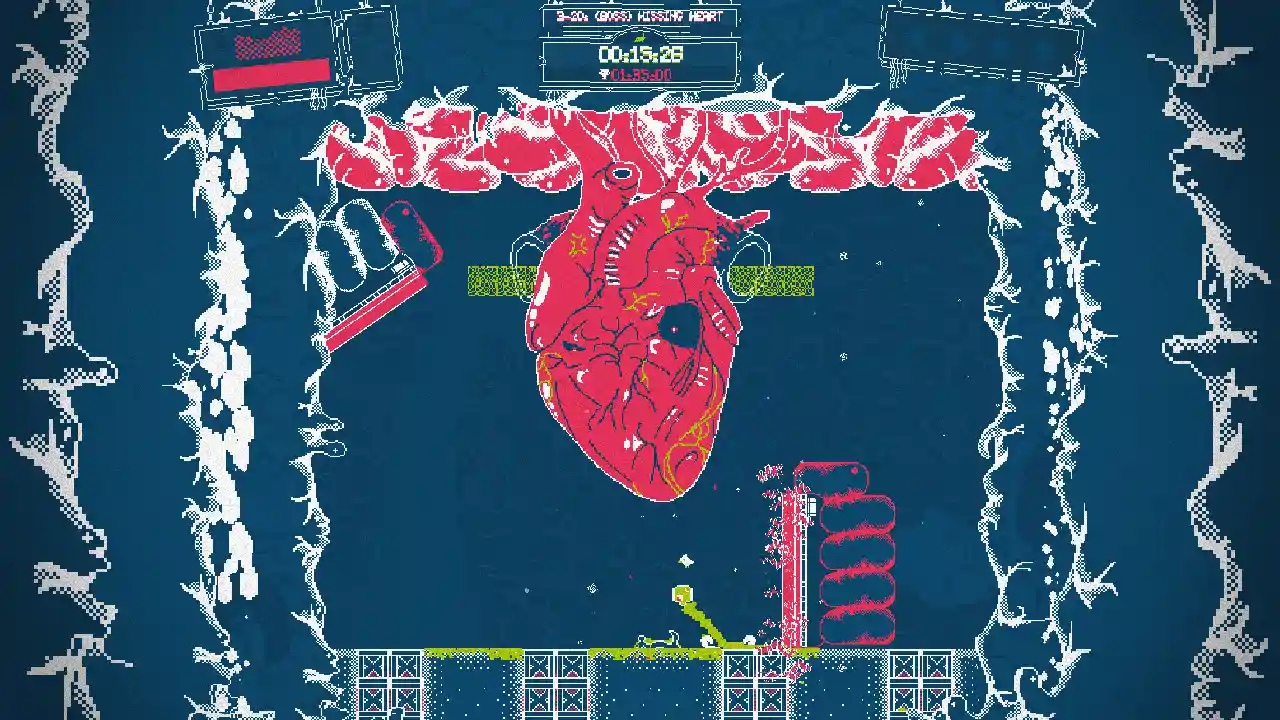
SynopsisSlime-san was minding his own business, sliming around in a peaceful forest when suddenly…A giant worm appeared and gobbled him up!
Now deep within the worm’s belly, Slime-san has to face a decision: Be digested by the incoming wall of stomach acid... Or jump, slide and slime his way through the worms intestines and back out its mouth!
FeaturesIncredibly fast-paced and twitch-timing platforming madness!
No time to stay still as you are chased by a wall of acid at every corner! Run, run, run!
Being a slime has its perks. Slime your way through cracked walls and surfaces!
Bust through brittle obstacles or tense situations with a speedy dash move.
Slime to slow time, dash to speed it up. Feel like an absolute badass with pixel precise maneuvers!
A game filled with content: 100 levels made out of 400 rooms combined with 100 newgame+ levels totaling to a staggering 200 levels and 800 rooms!
Collect partially-digested apples to unlock different play styles, outfits, shaders and mini games!
Unlock competitive multiplayer arcade games that recalls titles of the past!
Get your shopping done in a town of survivors within the worm, home to colorful characters and surprising secrets.
Each level is timed with online rankings, for the competitive and score-oriented.
Unlock extra game modes like New Game+, Speed Running and Boss Rush modes!
Get engrossed in a flexible, 5 colored, pixelated world…found… within… the worm?
Adhesive Wombat, Tiasu, MegaNeko, Kommissar, Richard Gould... Over 10 composers contributed with over 20 songs for a chiptune album that you can't help but groove out to!
Blackbird's KrakenThis version comes bundled with the Blackbird's Kraken downloadable content!HistorySlime-san is the third major game developed by Fabraz. The two previous titles being Planet Diver and Cannon Crasha. Slime-san is a game that is fun down to its very core. A silly story, with an unlikely character and gameplay that is addictively fast. It offers hours of single player content yet is tailored for speed runners as well. The very core mechanics and level design lend themselves to be played competitively online. It is a visually unique adventure using a carefully crafted, 5 color palette world that is filled with fun and goofy Japanese references. It also has a soundtrack that is worth the price alone, featuring some of the most popular chiptune composers in the world! Published by Headup Games.
Slime-san System Requirements
Minimum
- OS:
- -
- CPU:
- Not specified
- GPU:
- Not specified
- RAM:
- Not specified
- File Size:
- -
Recommended
- OS:
- -
- CPU:
- Not specified
- GPU:
- Not specified
- RAM:
- Not specified
Can I run Slime-san on my PC?
To run Slime-san on PC you need at minimum a Not specified processor, a Not specified graphics card, and Not specified of RAM running on Windows 10. For the best experience at recommended settings, upgrade to a Not specified CPU and Not specified GPU.
What GPU do I need to run Slime-san?
The minimum GPU required to run Slime-san is the Not specified. For smooth gameplay at high graphics settings, a Not specified is recommended.
How much RAM does Slime-san require?
Slime-san requires a minimum of Not specified RAM. For the recommended experience, Not specified of RAM is suggested.
How to check if your PC can run Slime-san
- Check your CPU: Compare your processor against the minimum requirement: Not specified.
- Check your GPU: Your graphics card should meet or exceed: Not specified.
- Check your RAM: You need at least Not specified of RAM installed.
- Check storage: Ensure you have at least Not specified of free disk space.
- Use our tool above: Select your RAM in the "Can I Run It?" box to get an instant result.