The Chronicles Of Myrtana: Archolos System Requirements (2021) | Minimum & Recommended PC Specs
Quick Hardware Summary
The Chronicles Of Myrtana: Archolos requires at least a capable CPU, a dedicated GPU, and 2 GB RAM. For recommended settings, aim for Intel Core i5-8400 CPU and NVIDIA GTX 680 GPU.
Can I Run The Chronicles Of Myrtana: Archolos?
Enter your PC specs to instantly check compatibility
About The Chronicles Of Myrtana: Archolos
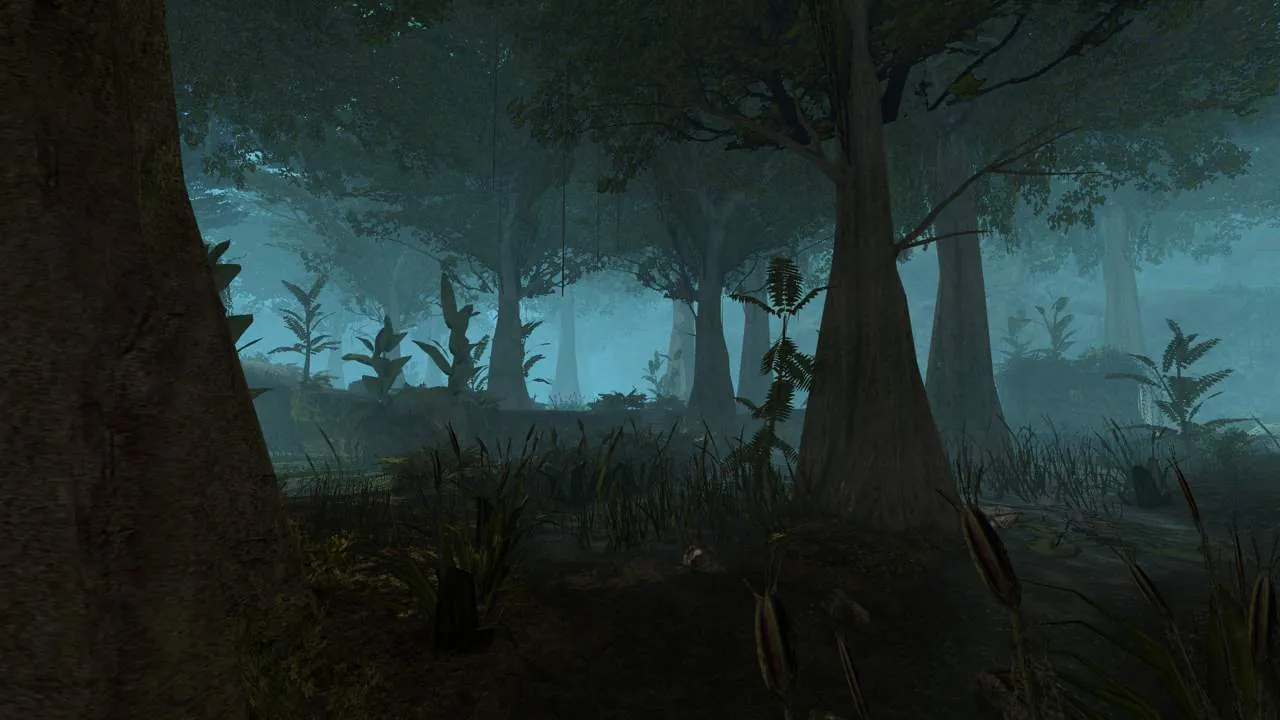
The Chronicles Of Myrtana: Archolos is a free, total conversion mod for Gothic II: Gold Edition. It features a completely new open world, improved skills systems, gameplay mechanics and complex story.
Main goal of this project is to honour one the best classic cRPG and take the die-hard fans of the original Gothic trilogy, as well as new players, on one more adventure in the Kingdom of Myrtana.
Kingdom of Myrtana
A country whose foundations crumble under the winds of war and unrest raging throughout its lands. Experience the events that forged the original Gothic storyline and see with your own eyes how the creation of the Valley of Mines impacted people far away from the main continent.
Make your mark in a brutal world where your every decision has a clear impact on its environment and the lives of those you meet on your path.
World
Venture to the Archolos, a huge island east to the Myrtana mainland and explore never seen before region filled with vineyards, farms and villages mentioned in the first Gothic game.
Visit the great city of Archolos and lost yourself in cobbled streets of the biggest city ever presented in the whole Gothic trilogy.
On the Archolos island you will have the opportunity to delve into the deepest of mines, visit the tranquil Monastery of Adanos, sip a beer while listening to gossip in one of the city taverns, and discover other interesting locations whose secrets will be revealed only to the boldest of adventurers…
Story
Play as Marvin, a young man who was driven away from his home by the war looming over the horizon. The reality of the Archolos, a place he runs to, unfortunately proves to be far from his expectations. Rich merchants craving only for more gold, servants of the king Rhobar II who put into practice every new and more restrictive laws and waves of desperate refugees who just like the protagonist search for a decent life. Marvin will have to find a way to survive in this land of treachery, opportunism and opposing interests.
You are not the chosen hero, you are not a villain. You are a survivor.
Will you take everything you want by the force? Or will you try to help others in need?
In The Chronicles of Myrtana you decide your own fate.
The Chronicles Of Myrtana: Archolos System Requirements
Minimum
- OS:
- Windows 7
- CPU:
- Not specified
- GPU:
- Not specified
- RAM:
- 2 GB
- File Size:
- 6 GB
Recommended
- OS:
- Windows 10
- CPU:
- Intel Core i5-8400
- GPU:
- NVIDIA GTX 680
- RAM:
- 4 GB
Can I run The Chronicles Of Myrtana: Archolos on my PC?
To run The Chronicles Of Myrtana: Archolos on PC you need at minimum a Not specified processor, a Not specified graphics card, and 2 GB of RAM running on Windows 7. For the best experience at recommended settings, upgrade to a Intel Core i5-8400 CPU and NVIDIA GTX 680 GPU.
What GPU do I need to run The Chronicles Of Myrtana: Archolos?
The minimum GPU required to run The Chronicles Of Myrtana: Archolos is the Not specified. For smooth gameplay at high graphics settings, a NVIDIA GTX 680 is recommended.
How much RAM does The Chronicles Of Myrtana: Archolos require?
The Chronicles Of Myrtana: Archolos requires a minimum of 2 GB RAM. For the recommended experience, 4 GB of RAM is suggested.
How to check if your PC can run The Chronicles Of Myrtana: Archolos
- Check your CPU: Compare your processor against the minimum requirement: Not specified.
- Check your GPU: Your graphics card should meet or exceed: Not specified.
- Check your RAM: You need at least 2 GB of RAM installed.
- Check storage: Ensure you have at least 6 GB of free disk space.
- Use our tool above: Select your RAM in the "Can I Run It?" box to get an instant result.