Vending Dokan!: Kozy Kiosk System Requirements (2025) | Minimum & Recommended PC Specs
Quick Hardware Summary
Vending Dokan!: Kozy Kiosk requires at least a Intel Core i5-8600 CPU, a NVIDIA GeForce GTX 960 GPU, and 8 GB RAM. For recommended settings, aim for Intel Core i7-9700 CPU and NVIDIA GeForce GTX 1660 Super GPU.
Can I Run Vending Dokan!: Kozy Kiosk?
Enter your PC specs to instantly check compatibility
About Vending Dokan!: Kozy Kiosk
Immerse yourself in Vending Dokan!: Kozy Kiosk, a charming idle simulation game for creating and managing your very own vending machine business.
Place your machines in various spots around the city, design each location to match your style, and build a thriving business whether you're playing actively or letting it run passively in the background while you work or play other things.
Transform ordinary streets alleys into bustling hotspots and create destinations that the locals can vibe with. Decorate each vending location with various items, plants, and themes that attract more customers and boost sales.
Every detail adds a touch of personality and flair to your growing business and creates a vibe that is uniquely you.
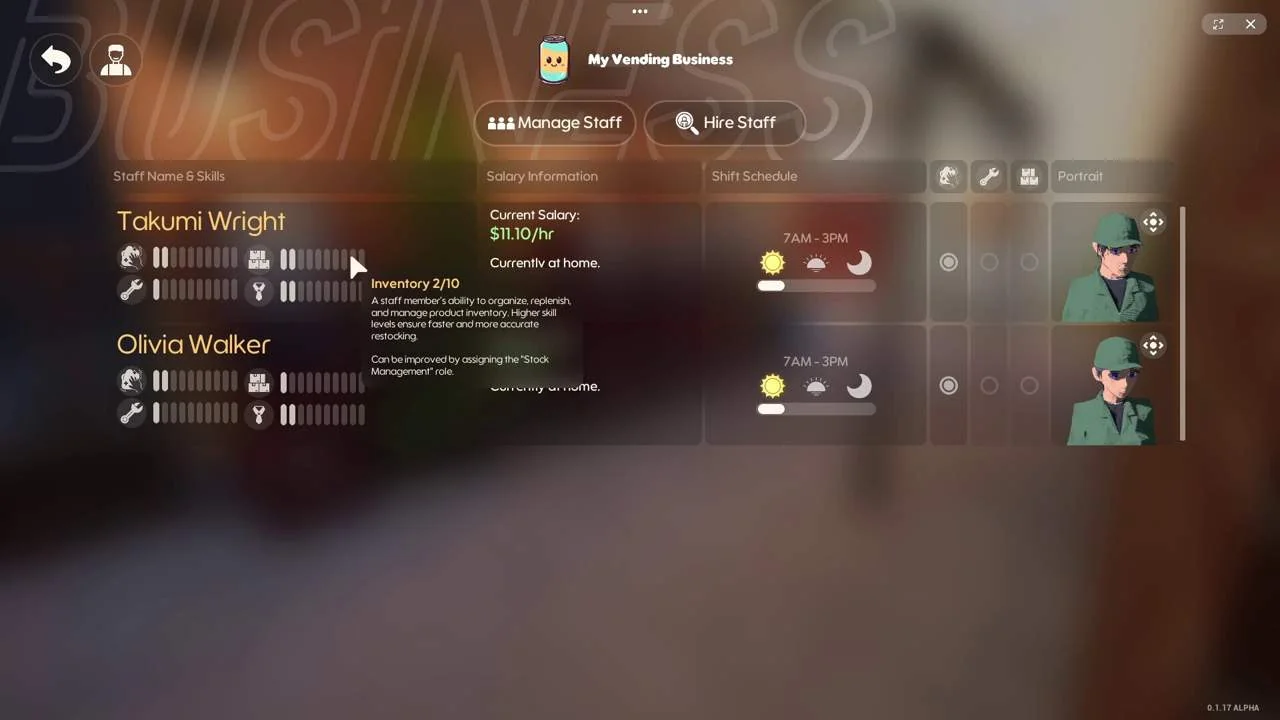
Hire and manage staff to keep your vending business running like clockwork. Assign different workers specific responsibilities such as restocking, cleaning, or repairs, and balance their needs to keep morale high.
A happy team makes for a growing business!
Whether you're actively managing every detail or letting your business thrive passively, Vending Dokan! is designed for cozy gaming at your own pace. With soothing music and a laid-back vibe, it's perfect for multitasking or unwinding.
Key Features:
Build and Customize: Strategically build and personalize vending machines across various locations, each with its own unique ambiance and customer base.
Staff Management: Hire and oversee a dedicated team to ensure smooth operations, from restocking to general maintenance.
Decorate and Enhance: Adorn your vending locations with delightful decorations to attract more customers and boost sales.
Passive Gameplay: Whether you're actively engaged or letting the game run in the background, your business continues to flourish while you enjoy a soothing soundtrack that's perfect for multitasking.
Relaxing Atmosphere: Enjoy a serene gaming experience with cozy visuals and calming ambiance sounds, making it an ideal companion during work, study, or other activities.
Vending Dokan!: Kozy Kiosk System Requirements
Minimum
- OS:
- Windows 10 / Windows 11
- CPU:
- Intel Core i5-8600
- GPU:
- NVIDIA GeForce GTX 960
- RAM:
- 8 GB
- File Size:
- 2 GB
Recommended
- OS:
- Windows 10 / Windows 11
- CPU:
- Intel Core i7-9700
- GPU:
- NVIDIA GeForce GTX 1660 Super
- RAM:
- 8 GB
Can I run Vending Dokan!: Kozy Kiosk on my PC?
To run Vending Dokan!: Kozy Kiosk on PC you need at minimum a Intel Core i5-8600 processor, a NVIDIA GeForce GTX 960 graphics card, and 8 GB of RAM running on Windows 10 / Windows 11. For the best experience at recommended settings, upgrade to a Intel Core i7-9700 CPU and NVIDIA GeForce GTX 1660 Super GPU.
What GPU do I need to run Vending Dokan!: Kozy Kiosk?
The minimum GPU required to run Vending Dokan!: Kozy Kiosk is the NVIDIA GeForce GTX 960. For smooth gameplay at high graphics settings, a NVIDIA GeForce GTX 1660 Super is recommended.
How much RAM does Vending Dokan!: Kozy Kiosk require?
Vending Dokan!: Kozy Kiosk requires a minimum of 8 GB RAM. For the recommended experience, 8 GB of RAM is suggested.
How to check if your PC can run Vending Dokan!: Kozy Kiosk
- Check your CPU: Compare your processor against the minimum requirement: Intel Core i5-8600.
- Check your GPU: Your graphics card should meet or exceed: NVIDIA GeForce GTX 960.
- Check your RAM: You need at least 8 GB of RAM installed.
- Check storage: Ensure you have at least 2 GB of free disk space.
- Use our tool above: Select your RAM in the "Can I Run It?" box to get an instant result.