Zombie Graveyard Simulator - Prologue System Requirements (2025) | Minimum & Recommended PC Specs
Quick Hardware Summary
Zombie Graveyard Simulator - Prologue requires at least a Intel Core i3-8100 CPU, a GTX 970 4GB GPU, and 8 GB RAM. For recommended settings, aim for Intel i5-8700k CPU and NVidia GeForce GTX 1070 8GB GPU.
Can I Run Zombie Graveyard Simulator - Prologue?
Enter your PC specs to instantly check compatibility
About Zombie Graveyard Simulator - Prologue
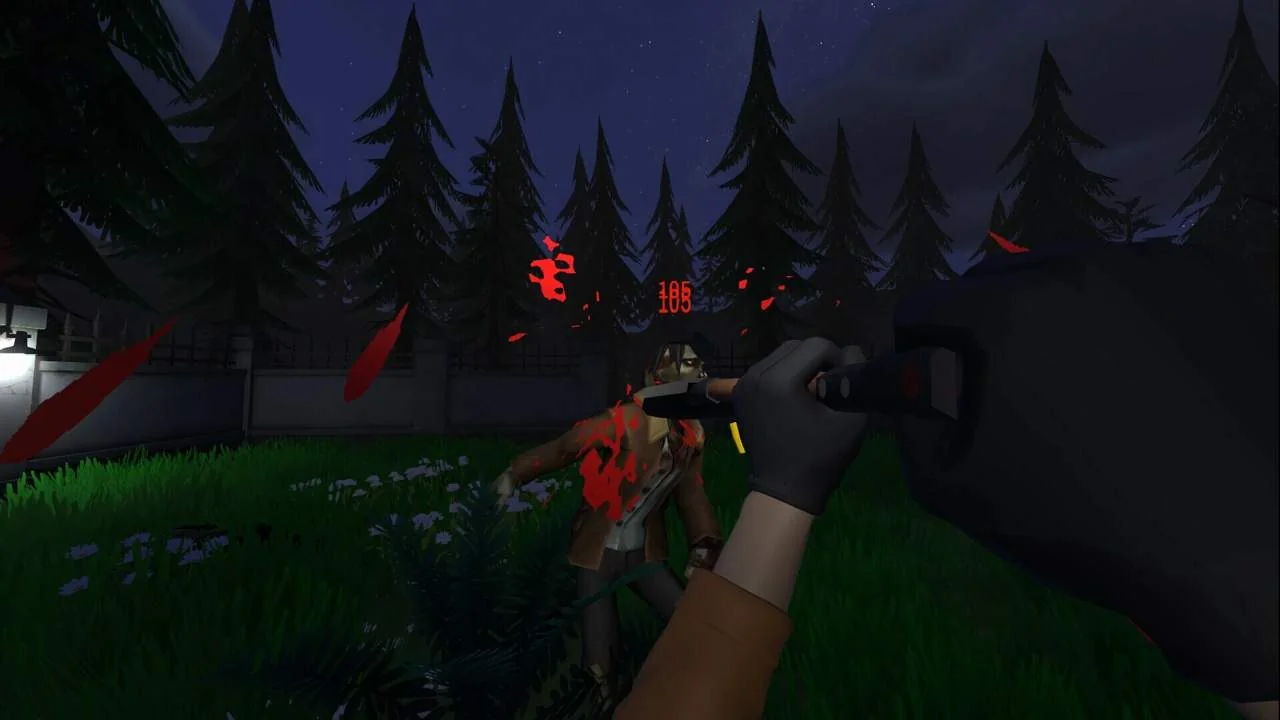
In a world where the dead turn into zombies, your job is to manage your very own Graveyard! Perform burials and cremations, and fulfill visitor requests with special flowers and gravestones by day. But when night falls, everything changes. The dead may rest, but the zombies don’t. They are coming for your precious work. Will you be able to protect them?
Visitor Satisfaction is Key
After processing the bodies, visitors will regularly return to check on their loved ones. Your duty is to keep graves clean and intact while providing fresh flowers to ensure their satisfaction. Every visit rewards you with valuable bonuses to help keep your business running smoothly.
Build your Defenses
Each night, waves of zombies will come with their numbers growing and special zombie types emerging, hungry for freshly buried bodies and the freshest of all, you. From basic defenses like barbed wires and fences to advanced machines like automatic turrets, keep your defenses upgraded, repaired, and fully stocked with ammo to withstand the night.
Trust your Arsenal
With a variety of weapons, including pistols, rifles, shotguns, and your trusty shovel, you are the ultimate force against the Zombies. As you level up, unlock and purchase new weapons while upgrading your skills to become even stronger. Just make sure to stock up on enough ammo!
Even a Graveyard Can Be Cozy Sometimes!
Use your Farming Area to grow different flowers for profit and vegetables to simply eat and restore your energy and health. With Upgrades, you can even unlock a Grinder to turn zombie parts into Fertilizer. Decorate your Graveyard with statues, lights, and other ornaments to make it truly your own.
Expand and Upgrade Your Facilities
Your graveyard isn’t just a resting place, it's a business, and every upgrade matters. Expand your burial area to accommodate more bodies and improve your crematorium with additional furnaces, automated cleaning systems, and faster processing times. Upgrade your farming area for better resource production, and enhance your water supply from a simple well to a motorized pump and water tank to keep everything running efficiently.
Every improvement helps you stay one step ahead of both business demands and the undead threat.
Key Features
Manage and expand your own graveyard while balancing business and survival.
Build defenses and fight off nightly zombie attacks.
Perform burials, cremations, and keep visitors satisfied.
Upgrade facilities like the crematorium, farming area, and water supply.
Unlock new weapons and improve your skills.
Customize and decorate your graveyard.
Experience a mix of management, strategy, and first-person action.
Zombie Graveyard Simulator - Prologue System Requirements
Minimum
- OS:
- Windows 10
- CPU:
- Intel Core i3-8100
- GPU:
- GTX 970 4GB
- RAM:
- 8 GB
- File Size:
- 5 GB
Recommended
- OS:
- Windows 10
- CPU:
- Intel i5-8700k
- GPU:
- NVidia GeForce GTX 1070 8GB
- RAM:
- 16 GB
Can I run Zombie Graveyard Simulator - Prologue on my PC?
To run Zombie Graveyard Simulator - Prologue on PC you need at minimum a Intel Core i3-8100 processor, a GTX 970 4GB graphics card, and 8 GB of RAM running on Windows 10. For the best experience at recommended settings, upgrade to a Intel i5-8700k CPU and NVidia GeForce GTX 1070 8GB GPU.
What GPU do I need to run Zombie Graveyard Simulator - Prologue?
The minimum GPU required to run Zombie Graveyard Simulator - Prologue is the GTX 970 4GB. For smooth gameplay at high graphics settings, a NVidia GeForce GTX 1070 8GB is recommended.
How much RAM does Zombie Graveyard Simulator - Prologue require?
Zombie Graveyard Simulator - Prologue requires a minimum of 8 GB RAM. For the recommended experience, 16 GB of RAM is suggested.
How to check if your PC can run Zombie Graveyard Simulator - Prologue
- Check your CPU: Compare your processor against the minimum requirement: Intel Core i3-8100.
- Check your GPU: Your graphics card should meet or exceed: GTX 970 4GB.
- Check your RAM: You need at least 8 GB of RAM installed.
- Check storage: Ensure you have at least 5 GB of free disk space.
- Use our tool above: Select your RAM in the "Can I Run It?" box to get an instant result.